
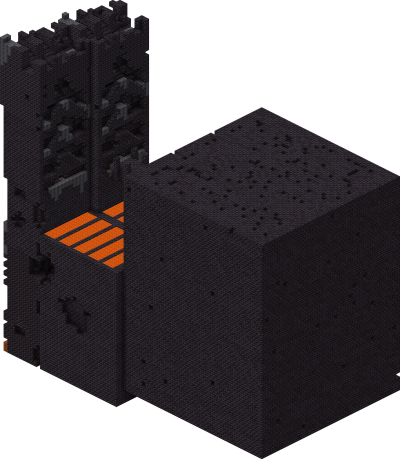
Find Bastion Remnant
Find Bastion Remnant in Minecraft with our Minecraft Structures Finder.
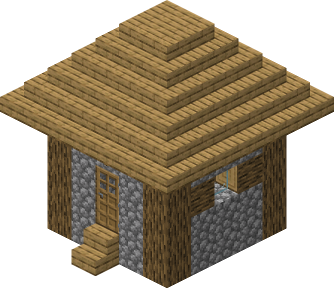
Use our Minecraft Village Finder to locate exact village coordinates from your world seed. Supports Minecraft Java and Bedrock Edition with fast, accurate results—no cheats or /locate commands required.
Villages are the most important Overworld structures in Minecraft, offering trade routes, free food, iron golem protection, and shelter. Architecture varies by biome — sandstone in deserts, oak in plains, acacia in savannas, spruce in taiga and snowy variants. Villagers follow daily schedules, trade unique items for emeralds, and call iron golems to defend the settlement. Java and Bedrock generate villages with the same rules. The Village Finder pulls exact village coordinates from your seed.
Villages generate on flat terrain in plains, deserts, savannas, taigas, snowy plains, and meadows. Each village uses materials from its host biome and connects buildings via stone paths. Church towers, lampposts, and farms are visible from a distance. Iron golems patrolling outside are a reliable confirmation. Enter your seed into the Village Finder to locate the nearest village instantly.
Find Bastion Remnant in Minecraft with our Minecraft Structures Finder.
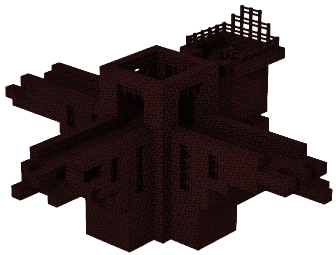
Find Fortress in Minecraft with our Minecraft Structures Finder.
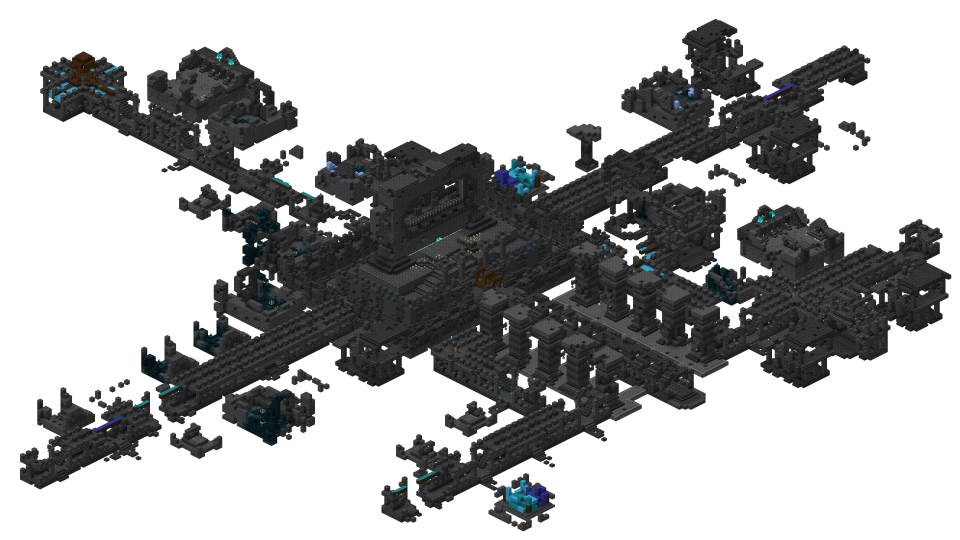
Find Ancient City in Minecraft with our Minecraft Structures Finder.
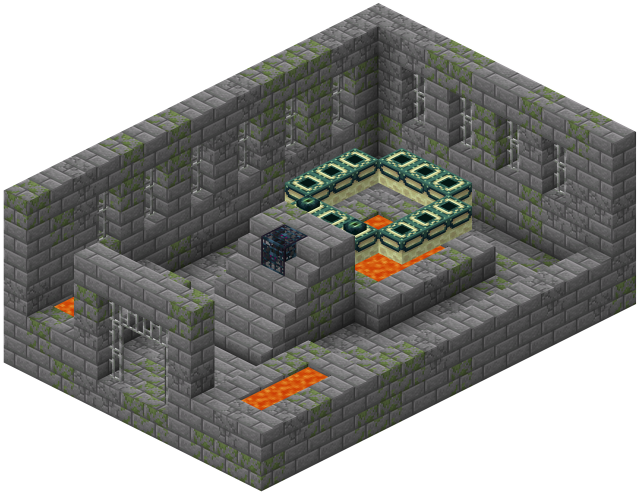
Find Stronghold in Minecraft with our Minecraft Structures Finder.
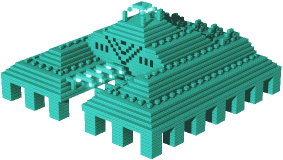
Find Monument in Minecraft with our Minecraft Structures Finder.
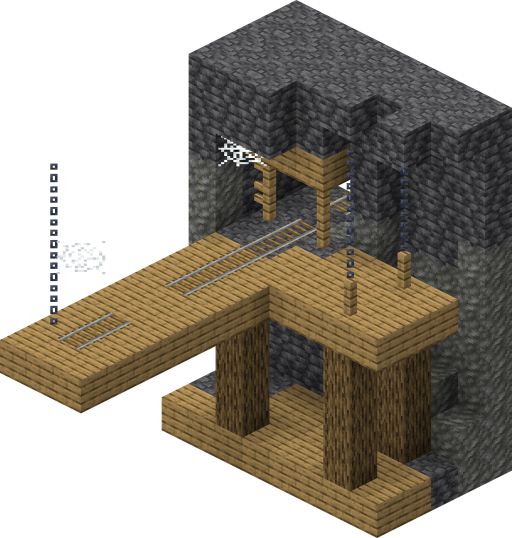
Find Mineshaft in Minecraft with our Minecraft Structures Finder.
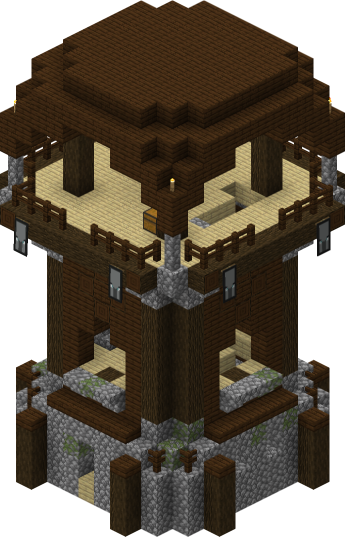
Find Pillager Outpost in Minecraft with our Minecraft Structures Finder.
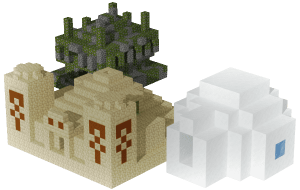
Find Pyramid in Minecraft with our Minecraft Structures Finder.
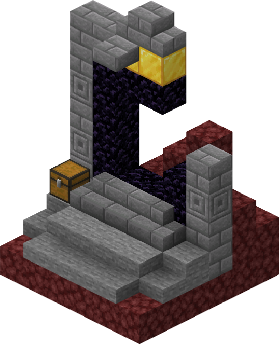
Find Ruined Portal in Minecraft with our Minecraft Structures Finder.
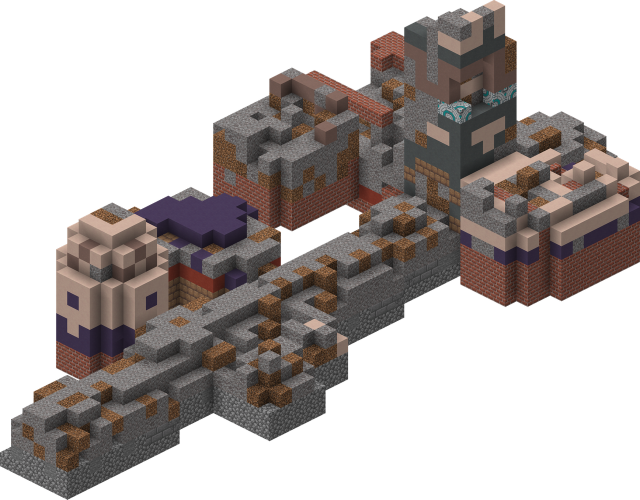
Find Trail Ruins in Minecraft with our Minecraft Structures Finder.
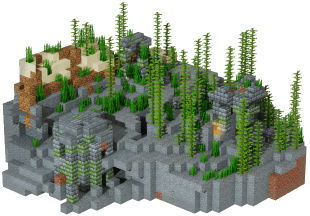
Find Ocean Ruins in Minecraft with our Minecraft Structures Finder.
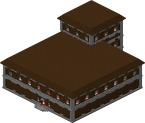
Find Woodland Mansions in Minecraft with our Minecraft Structures Finder.
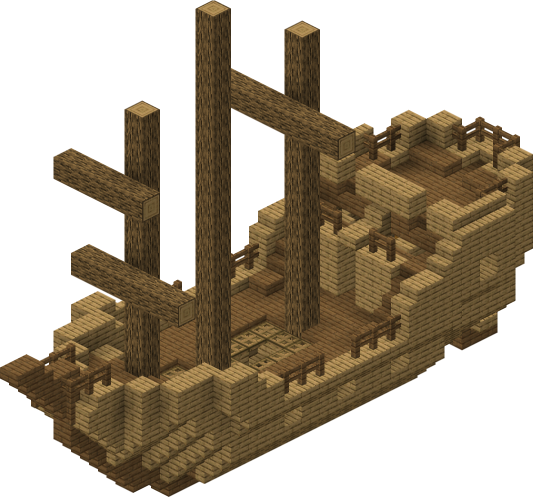
Find Shipwreck in Minecraft with our Minecraft Structures Finder.
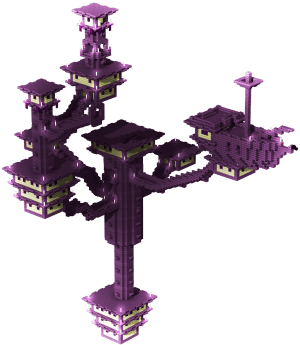
Find End City in Minecraft with our Minecraft Structures Finder.
Find Trial Chambers in Minecraft with our Minecraft Structures Finder.
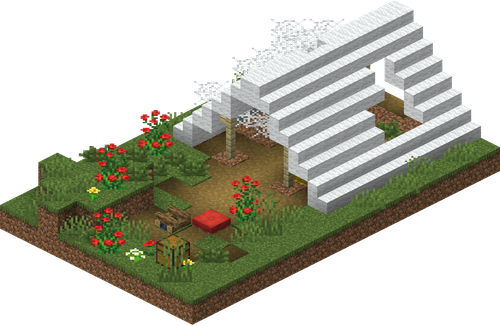
Find Abandoned Camp in Minecraft with our Minecraft Structures Finder.