
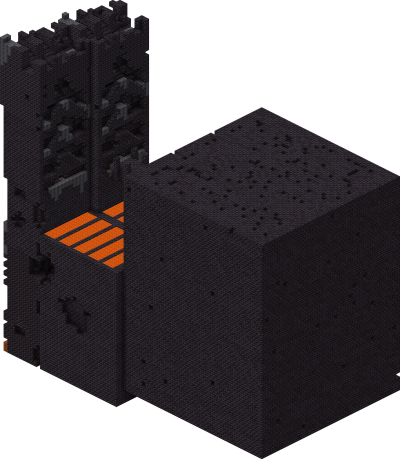
Find Bastion Remnant
Find Bastion Remnant in Minecraft with our Minecraft Structures Finder.
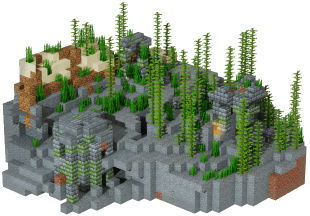
Use our Minecraft Ocean Ruins Finder to locate exact ocean ruins coordinates from your world seed. Supports Minecraft Java and Bedrock Edition with fast, accurate results—no cheats or /locate commands required.
Ocean Ruins are sunken stone structures scattered across the seafloor, varying by ocean temperature. Cold and frozen oceans get stone-brick ruins, while warm and lukewarm oceans get sandstone variants. Ruins range from single houses to entire submerged villages, each with hidden chests containing fishing rods, leather armor, buried treasure maps, and emeralds. Drowned mobs guard the area. Java and Bedrock include them. The Ocean Ruins Finder pulls exact ruin coordinates from your seed.
Ocean Ruins generate in all ocean biomes — cold variants in cold and frozen oceans, warm variants in warm and lukewarm oceans. Look for stone-brick or sandstone clusters visible from the surface. Larger ruin clusters often contain multiple chests within a small dive radius. Enter your seed into the Ocean Ruins Finder to map every nearby ruin in your world.
Find Bastion Remnant in Minecraft with our Minecraft Structures Finder.
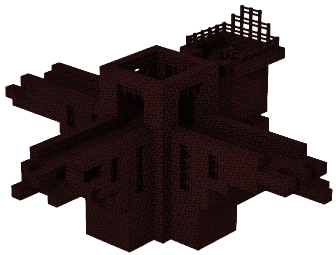
Find Fortress in Minecraft with our Minecraft Structures Finder.
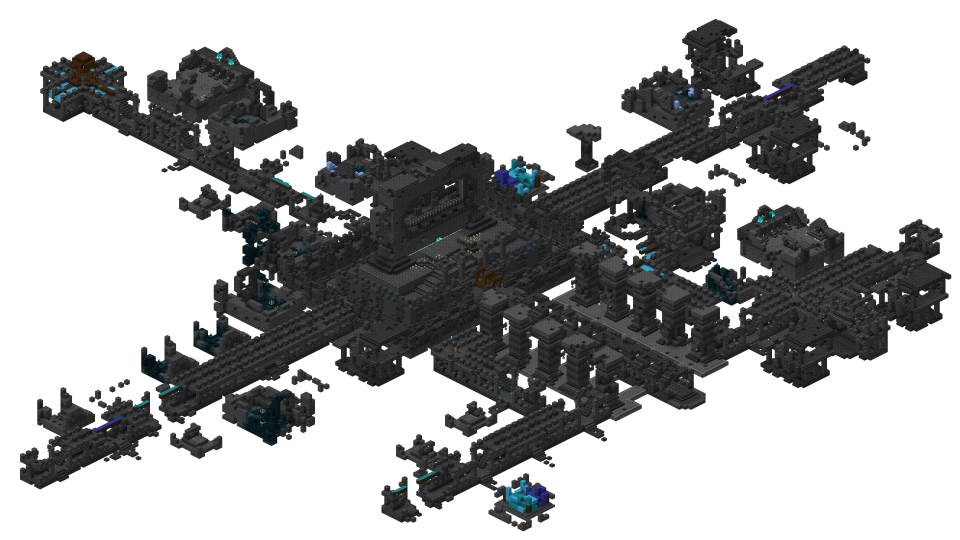
Find Ancient City in Minecraft with our Minecraft Structures Finder.
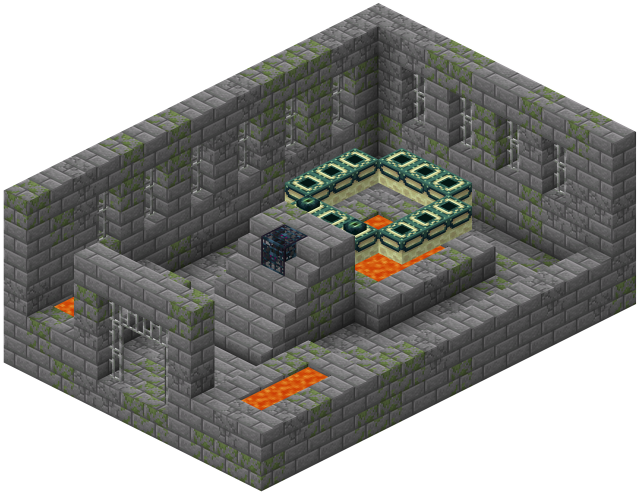
Find Stronghold in Minecraft with our Minecraft Structures Finder.
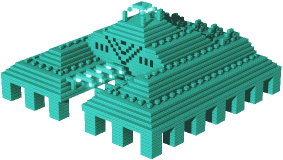
Find Monument in Minecraft with our Minecraft Structures Finder.
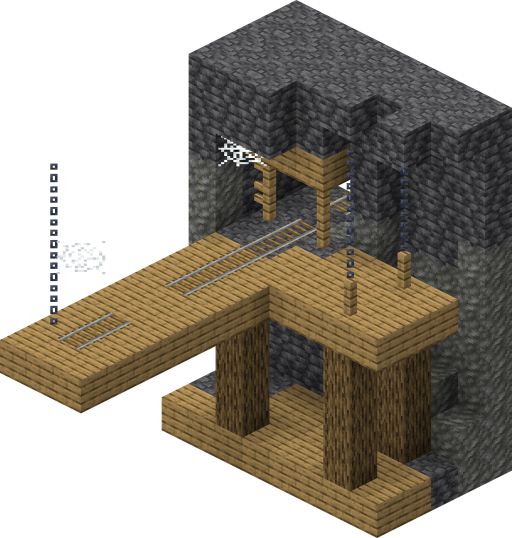
Find Mineshaft in Minecraft with our Minecraft Structures Finder.
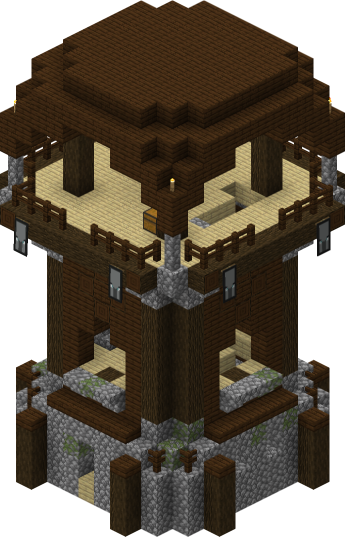
Find Pillager Outpost in Minecraft with our Minecraft Structures Finder.
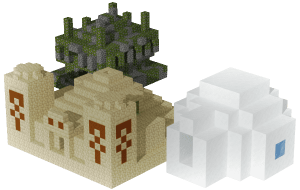
Find Pyramid in Minecraft with our Minecraft Structures Finder.
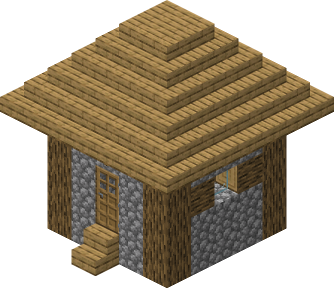
Find Village in Minecraft with our Minecraft Structures Finder.
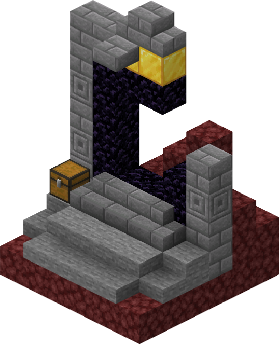
Find Ruined Portal in Minecraft with our Minecraft Structures Finder.
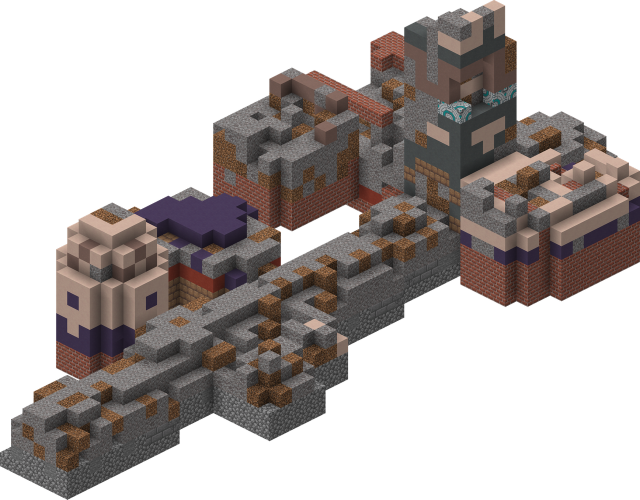
Find Trail Ruins in Minecraft with our Minecraft Structures Finder.
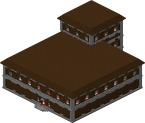
Find Woodland Mansions in Minecraft with our Minecraft Structures Finder.
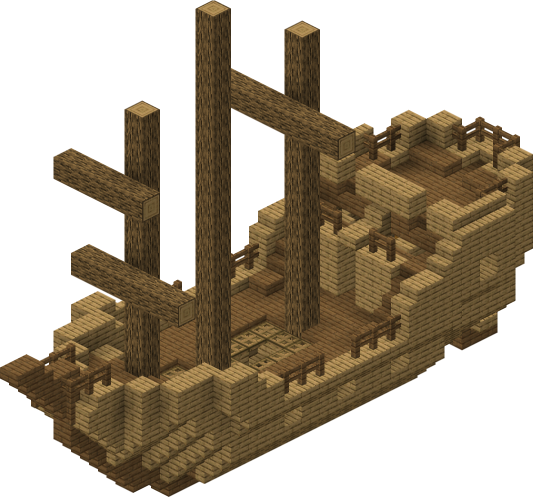
Find Shipwreck in Minecraft with our Minecraft Structures Finder.
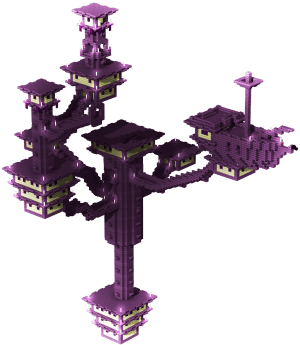
Find End City in Minecraft with our Minecraft Structures Finder.
Find Trial Chambers in Minecraft with our Minecraft Structures Finder.
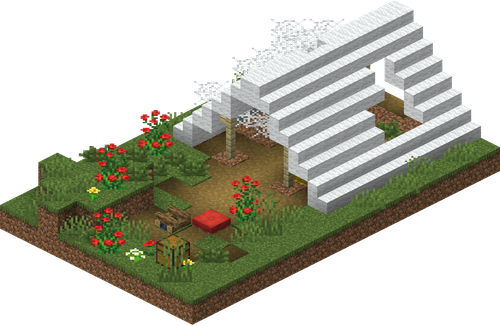
Find Abandoned Camp in Minecraft with our Minecraft Structures Finder.