
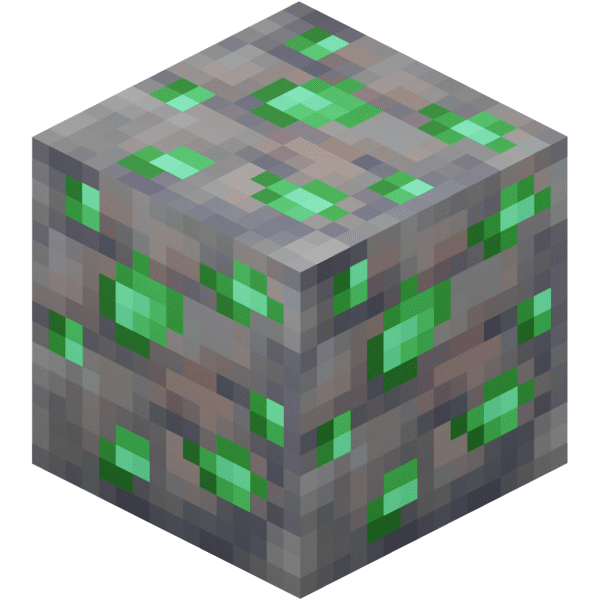
Find Emerald
Find Emerald in Minecraft with our Minecraft Ores Finder.
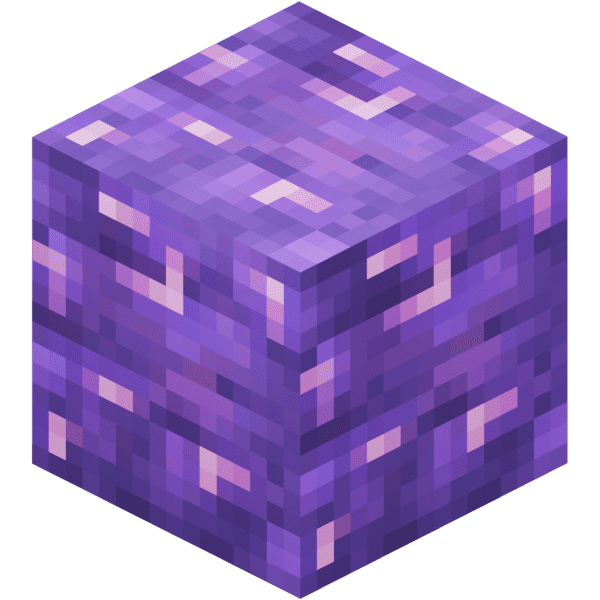
Use our Minecraft Amethyst Finder to locate exact amethyst coordinates from your world seed. Supports Minecraft Java and Bedrock Edition with fast, accurate results—no cheats or /locate commands required.
Amethyst geodes are rare spherical structures in Minecraft, filled with growing purple crystals. Each geode has three concentric shells — smooth basalt on the outside, calcite in the middle, and amethyst blocks lining the inner cavity. Budding amethyst blocks produce crystal clusters that grow through four stages, and only fully grown clusters drop amethyst shards on harvest. Geodes work the same in Java and Bedrock Edition. The Amethyst Finder pulls exact geode coordinates from your seed so you can build a sustainable shard farm.
Amethyst geodes generate between Y=-64 and Y=30 across all Overworld biomes, most commonly deep underground. The four cluster growth stages — small, medium, large, and full — are visible on budding amethyst blocks, but only fully grown clusters drop four amethyst shards when mined with any tool. Silk Touch does not preserve clusters. Enter your seed into the Amethyst Finder to locate the nearest geode in your world without random cave diving.
Find Emerald in Minecraft with our Minecraft Ores Finder.
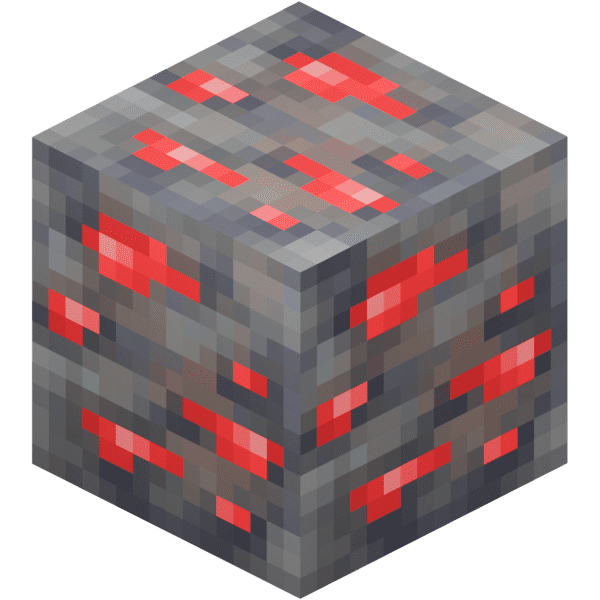
Find Redstone in Minecraft with our Minecraft Ores Finder.
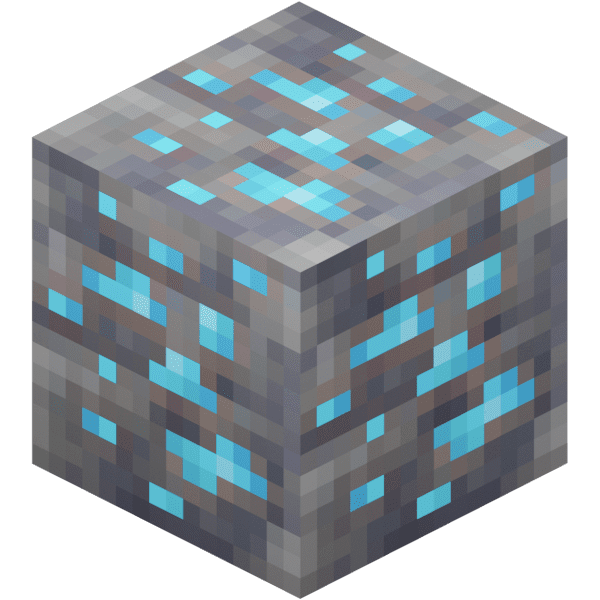
Find Diamond Ore in Minecraft with our Minecraft Ores Finder.
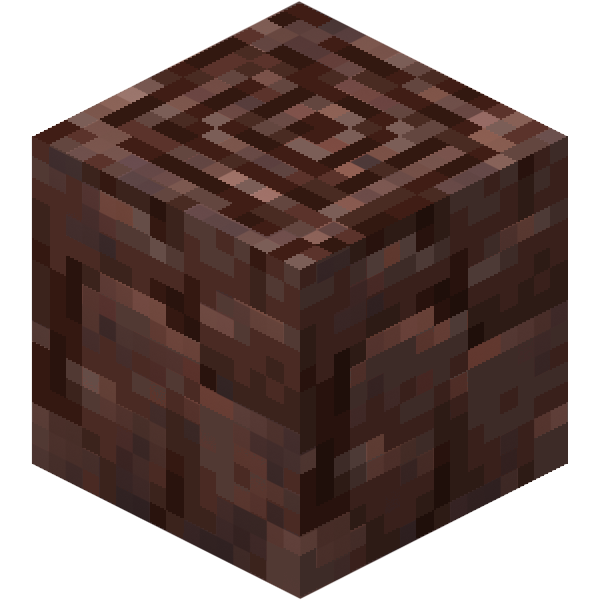
Find Ancient Debris in Minecraft with our Minecraft Ores Finder.
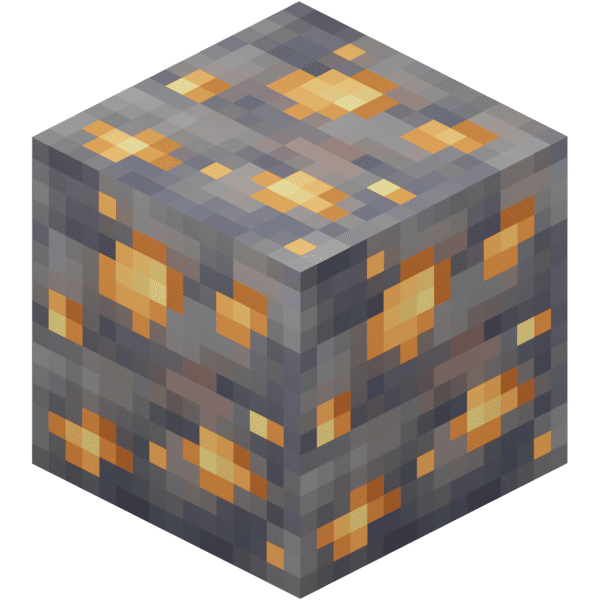
Find Gold Ore in Minecraft with our Minecraft Ores Finder.
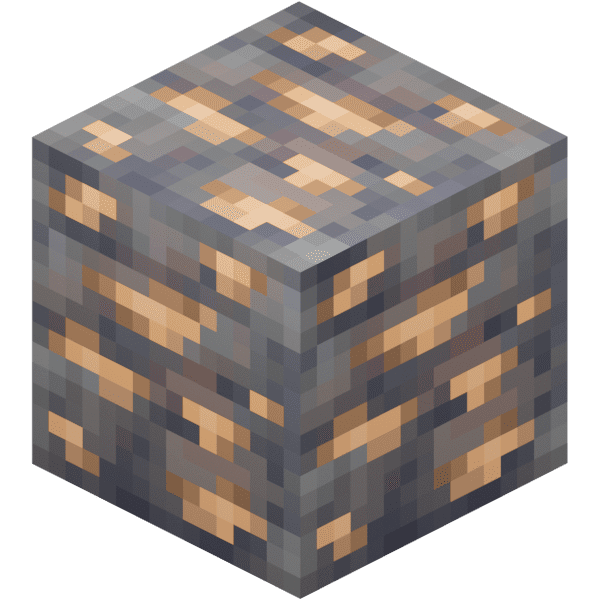
Find Iron Ore in Minecraft with our Minecraft Ores Finder.
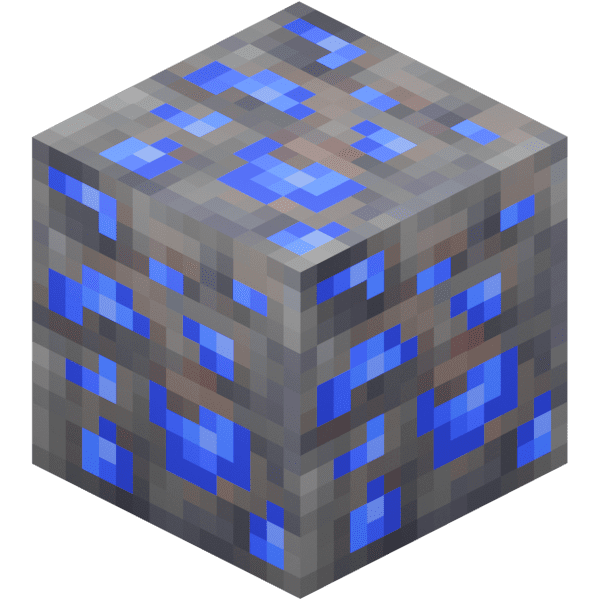
Find Lapis Lazuli in Minecraft with our Minecraft Ores Finder.
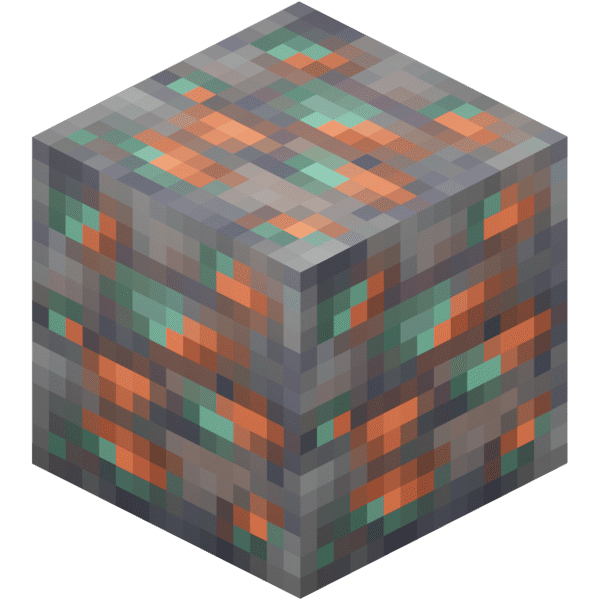
Find Copper Ore in Minecraft with our Minecraft Ores Finder.
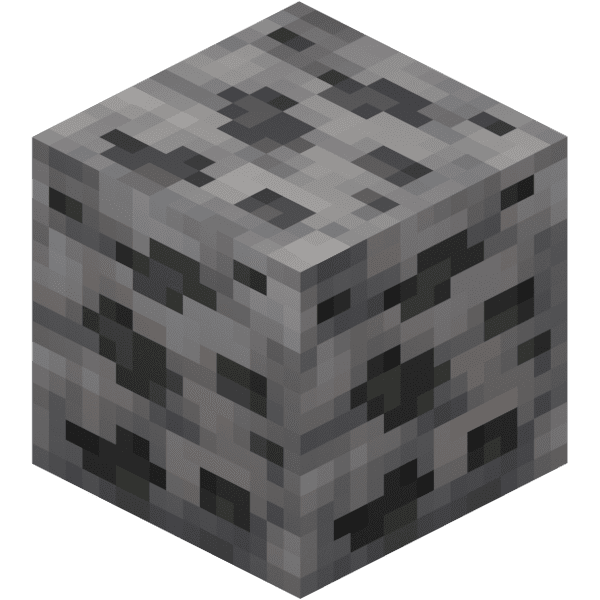
Find Coal in Minecraft with our Minecraft Ores Finder.
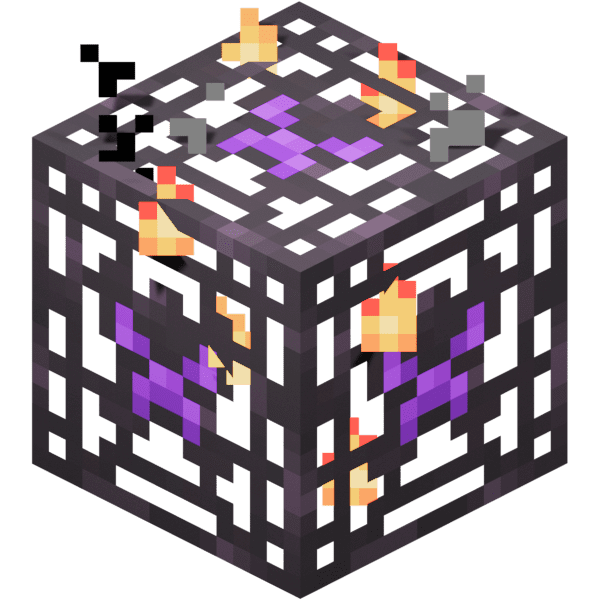
Find Monster Spawner in Minecraft with our Minecraft Ores Finder.
Find Suspicious Sand in Minecraft with our Minecraft Ores Finder.