
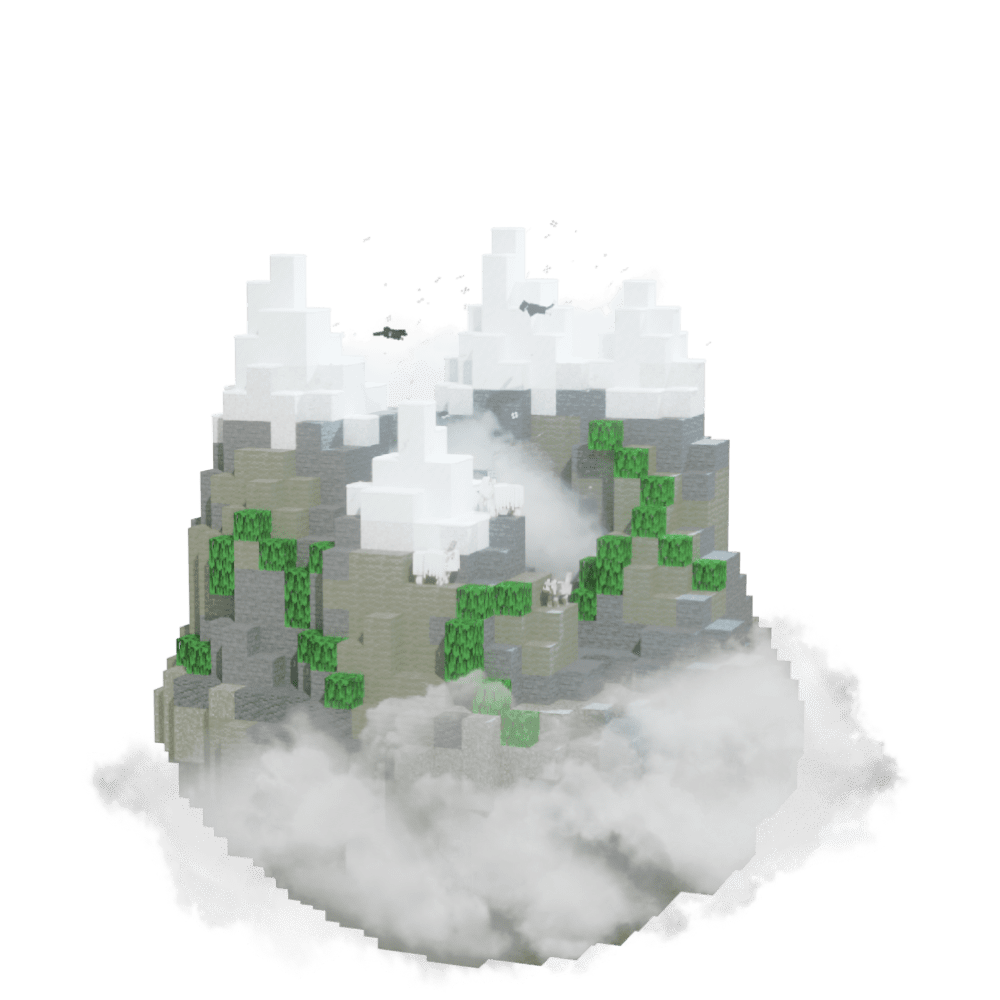
Find Jagged Peaks
Find Jagged Peaks in Minecraft with our Minecraft Biomes Finder.
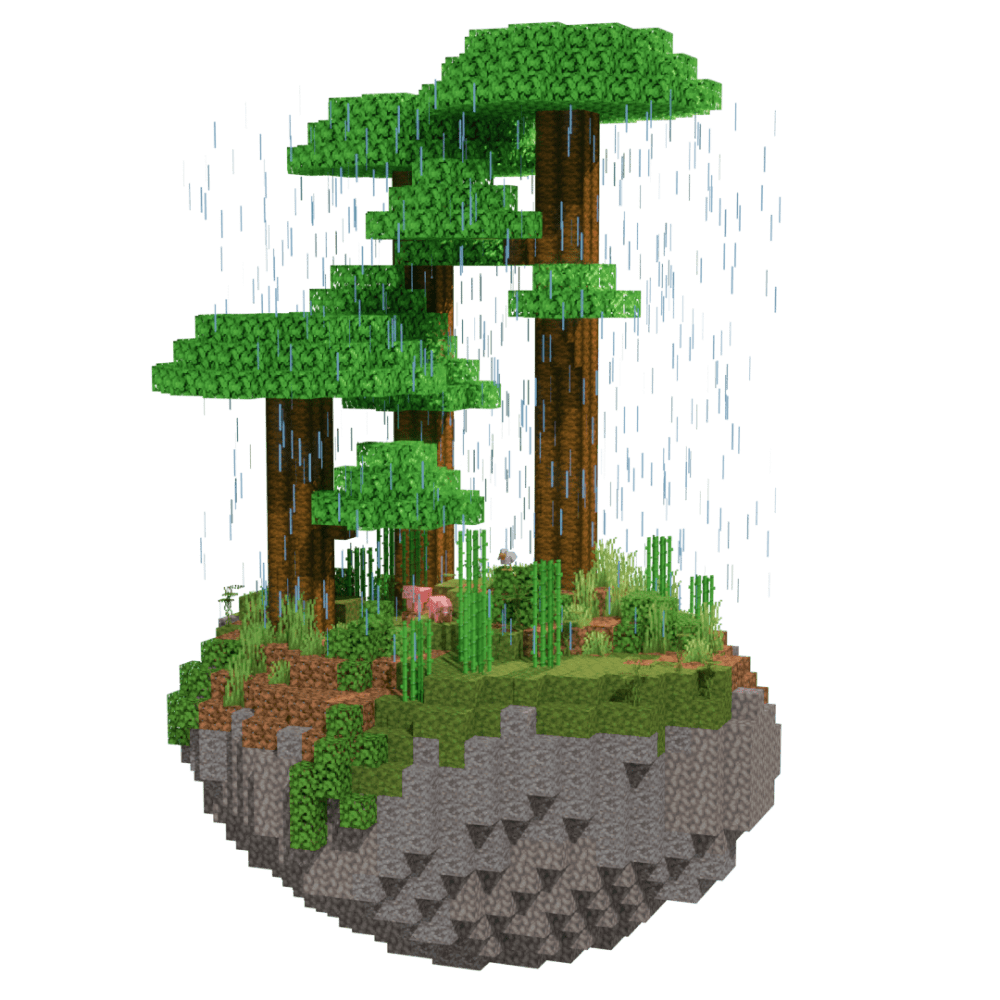
Use our Minecraft Jungle Edge Finder to locate exact jungle edge coordinates from your world seed. Supports Minecraft Java and Bedrock Edition with fast, accurate results—no cheats or /locate commands required.
Jungle Edge — known as Sparse Jungle in modern Java Edition — is a transitional biome between dense Jungles and adjacent biomes like Deserts, Savannas, or Plains. Sparser jungle trees, thinner undergrowth, and flatter terrain set it apart from the main jungle. Note: in Java Edition 1.18 the original Jungle Edge was replaced by Sparse Jungle, while Bedrock Edition retains the classic Jungle Edge biome. The Jungle Edge Finder works on both — make sure to select the right edition for your seed.
Jungle Edge biomes form thin transition strips where Jungles meet other biomes. Look for sparser tree cover and flatter terrain compared to the main jungle interior. In Java Edition, search for Sparse Jungle; in Bedrock, the original Jungle Edge label still applies. Enter your seed into the Jungle Edge Finder to get the right coordinates for your edition.
Find Jagged Peaks in Minecraft with our Minecraft Biomes Finder.
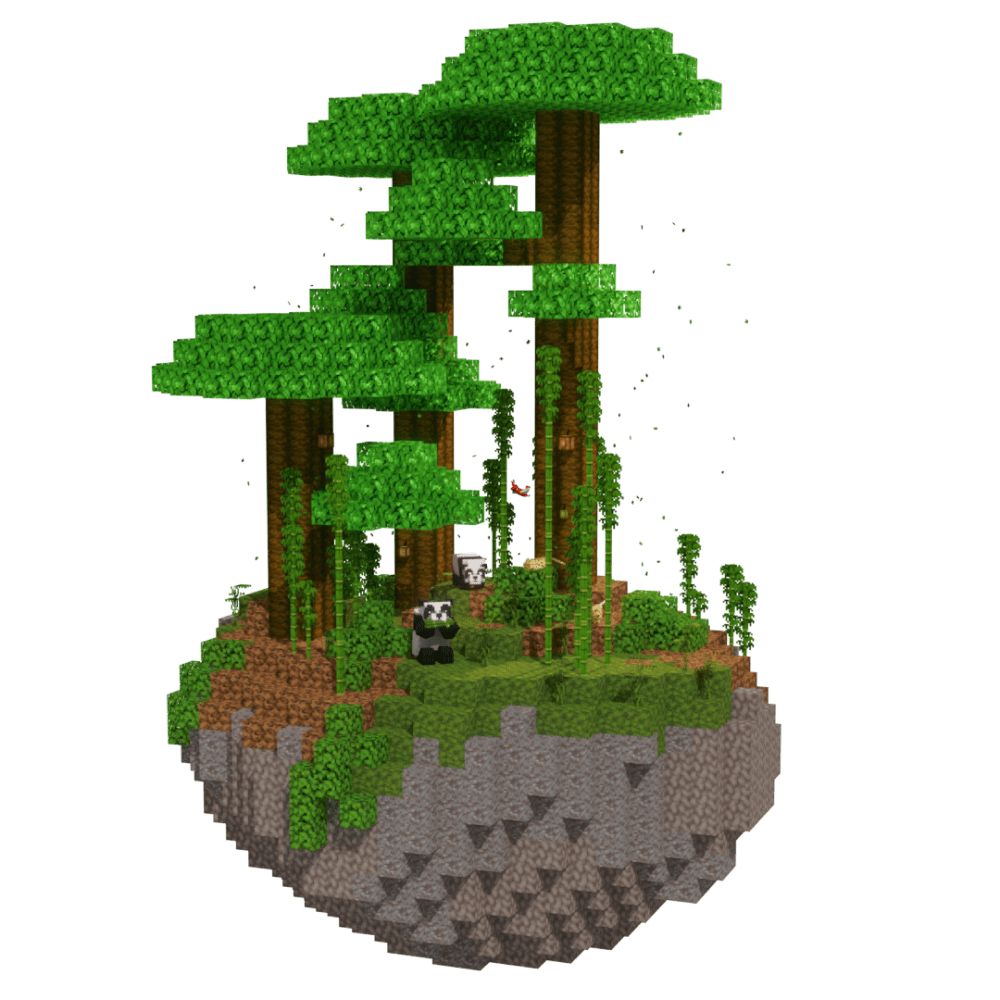
Find Bamboo Jungle in Minecraft with our Minecraft Biomes Finder.
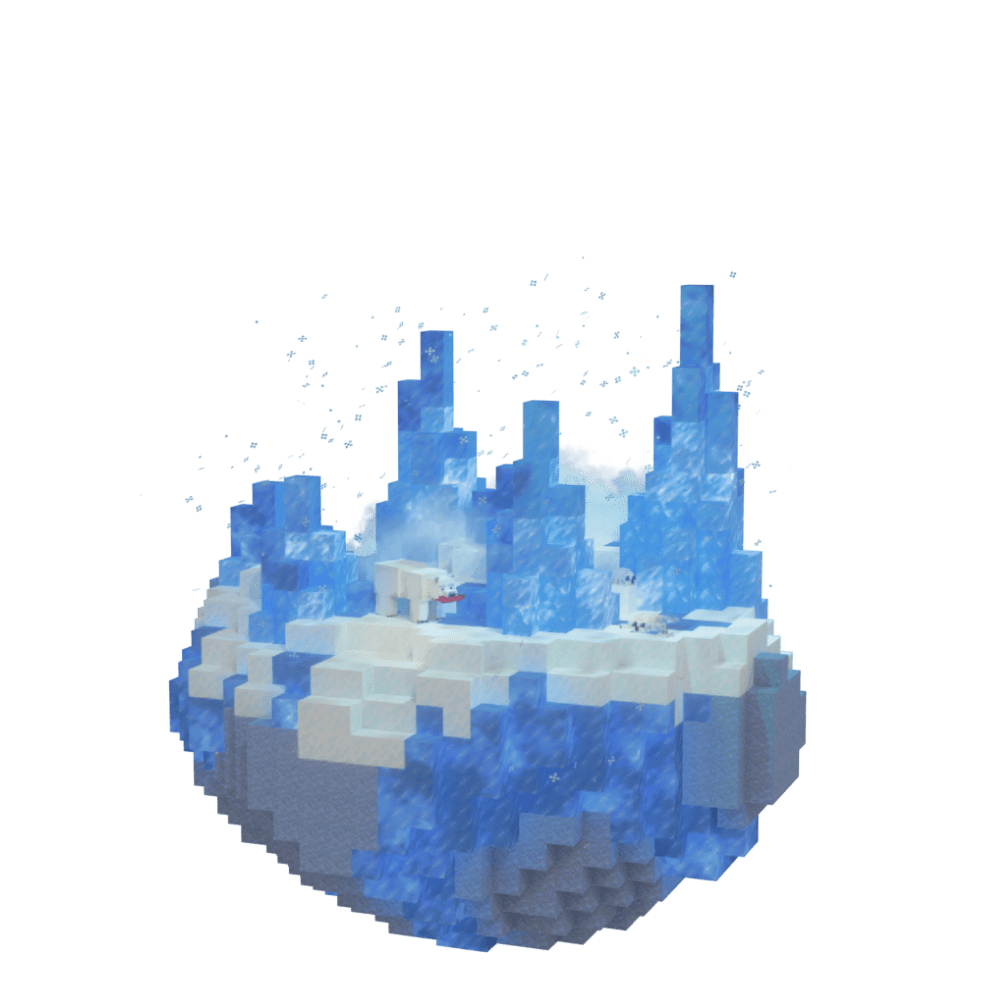
Find Ice Plains Spikes in Minecraft with our Minecraft Biomes Finder.
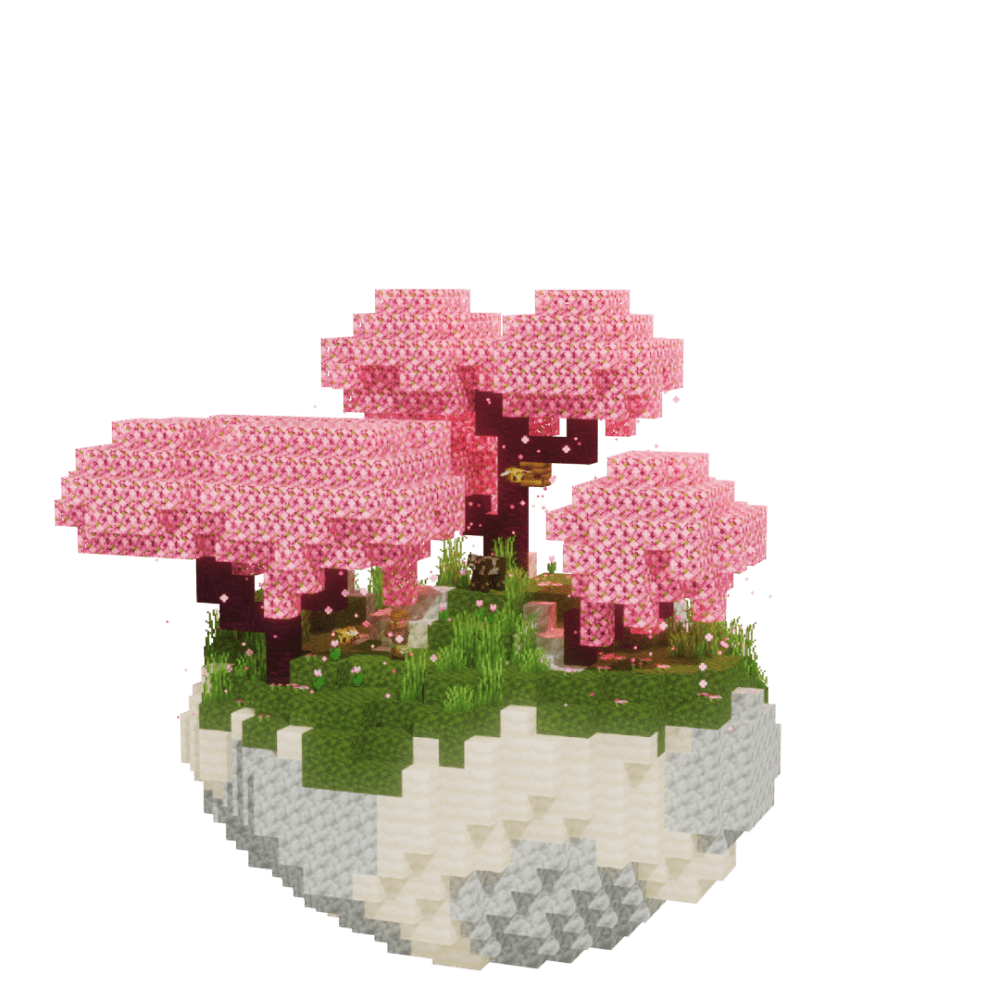
Find Cherry Grove in Minecraft with our Minecraft Biomes Finder.
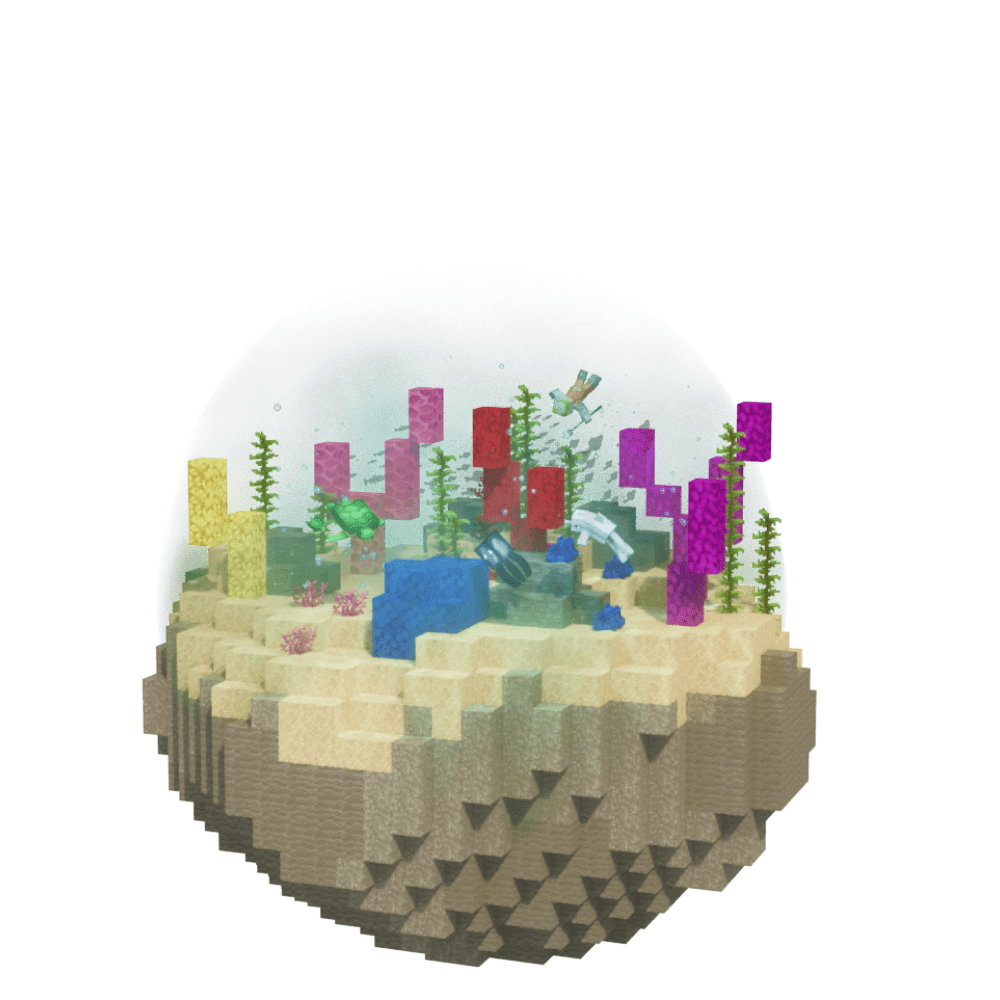
Find Warm Ocean in Minecraft with our Minecraft Biomes Finder.
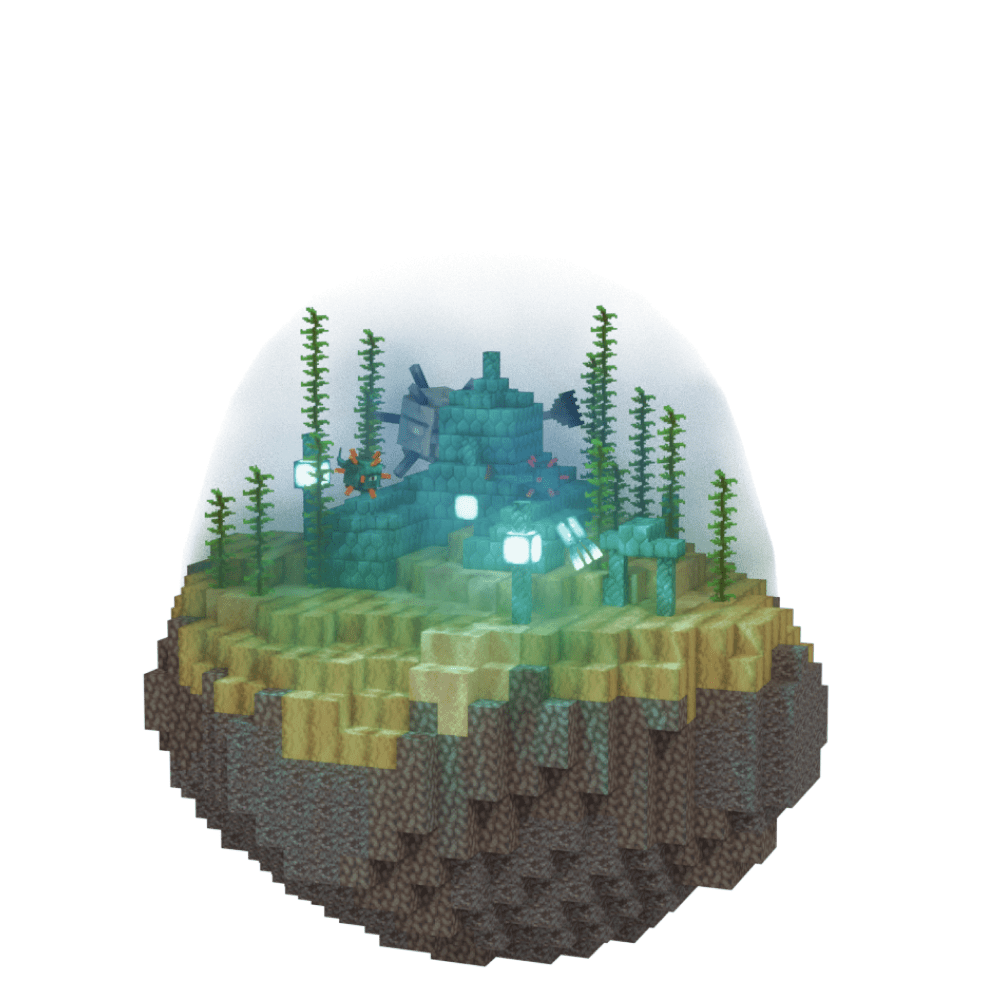
Find Deep Ocean in Minecraft with our Minecraft Biomes Finder.
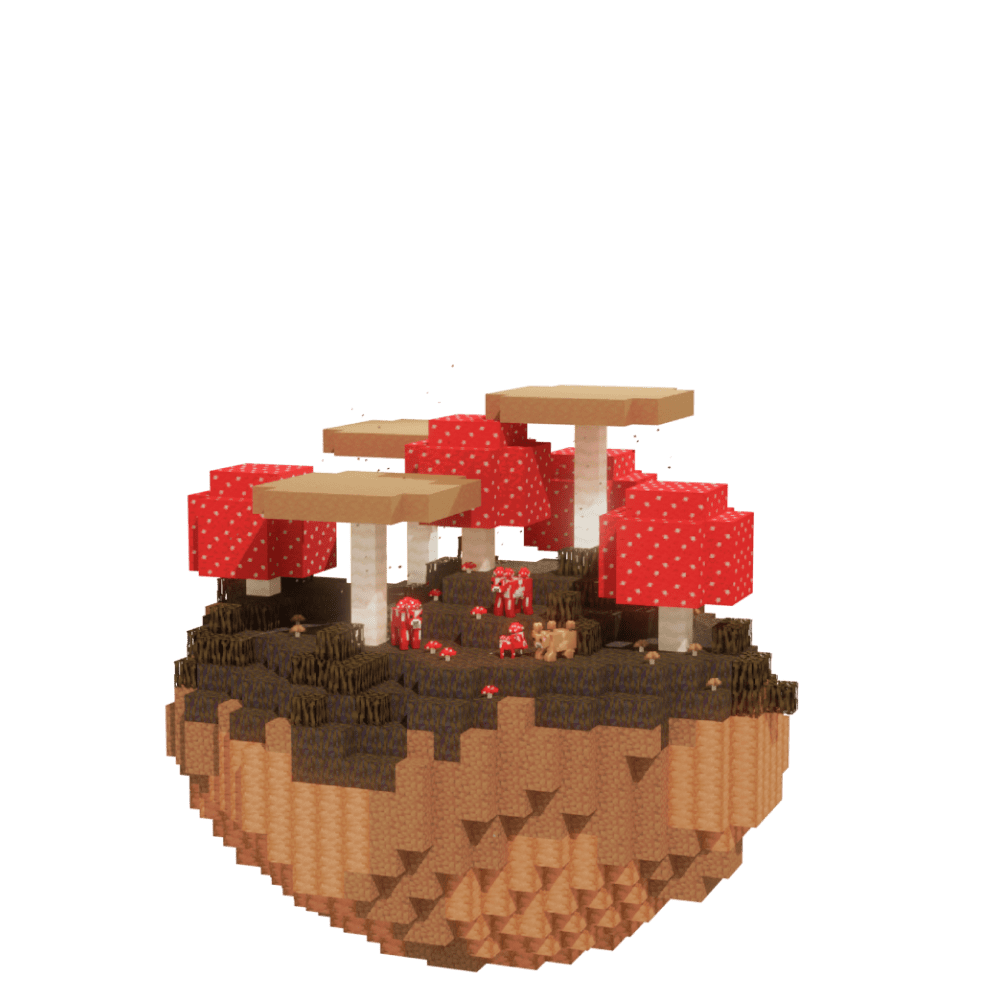
Find Mushroom Island in Minecraft with our Minecraft Biomes Finder.
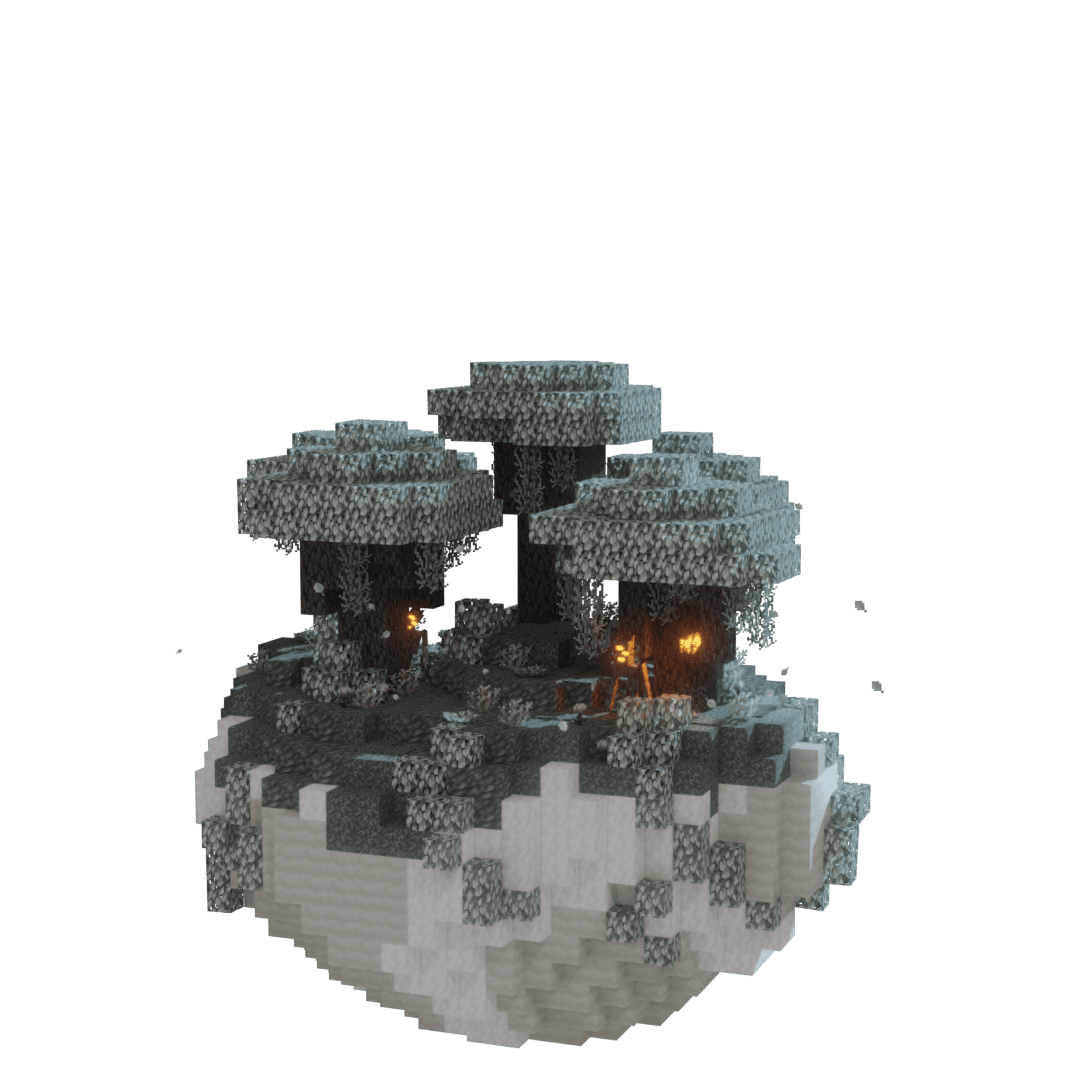
Find Pale Garden in Minecraft with our Minecraft Biomes Finder.
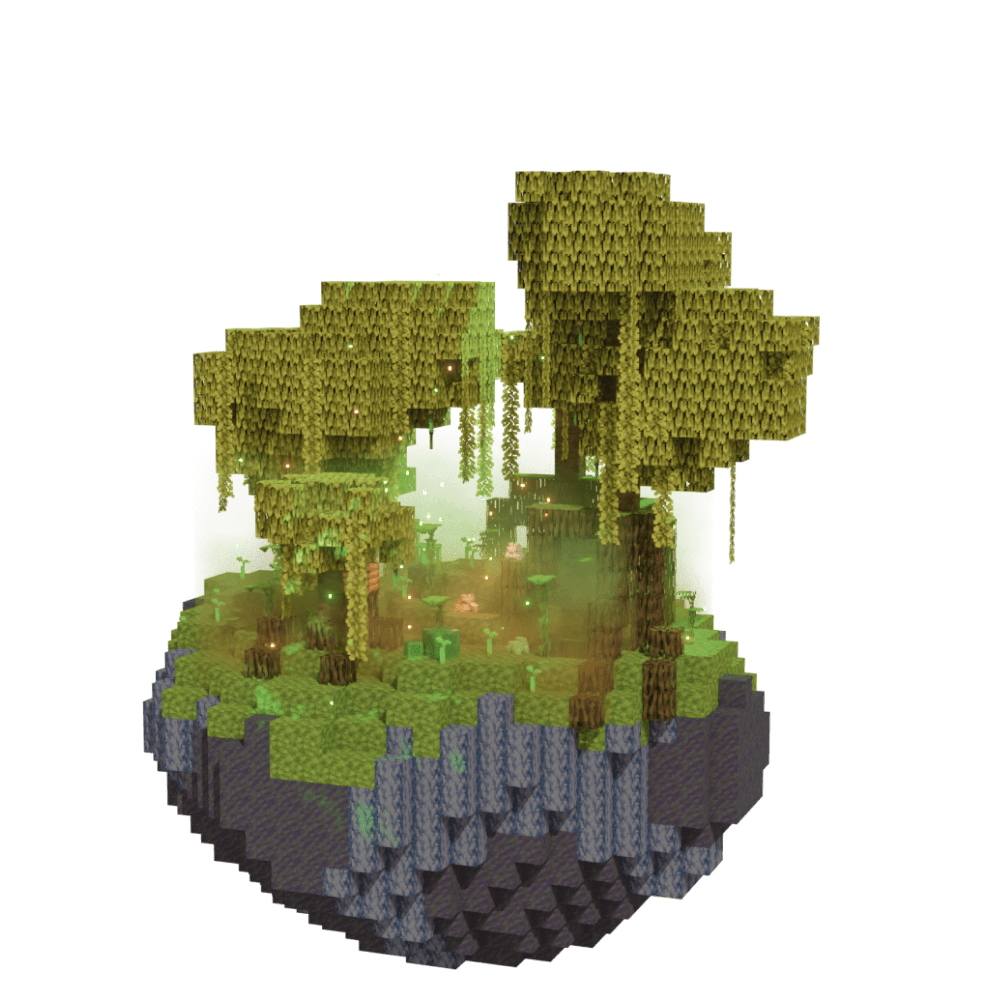
Find Mangrove Swamp in Minecraft with our Minecraft Biomes Finder.
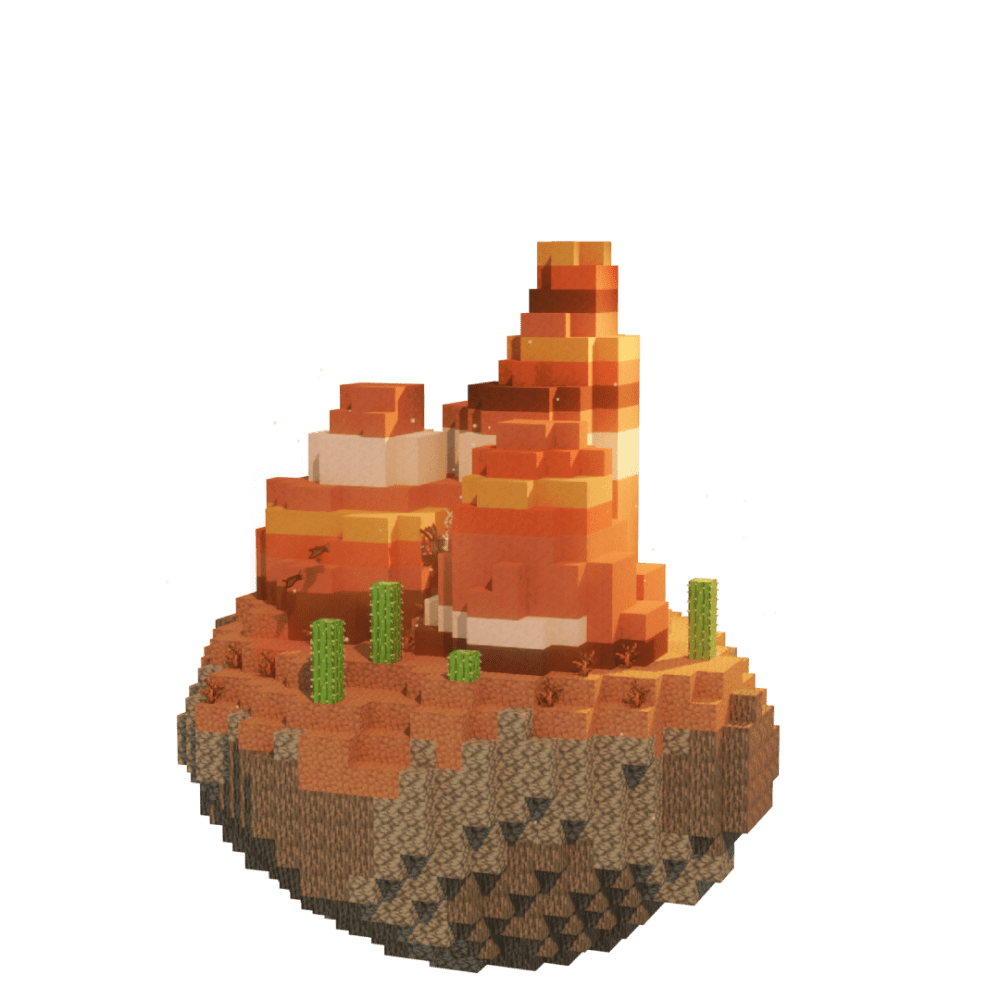
Find Mesa Bryce in Minecraft with our Minecraft Biomes Finder.
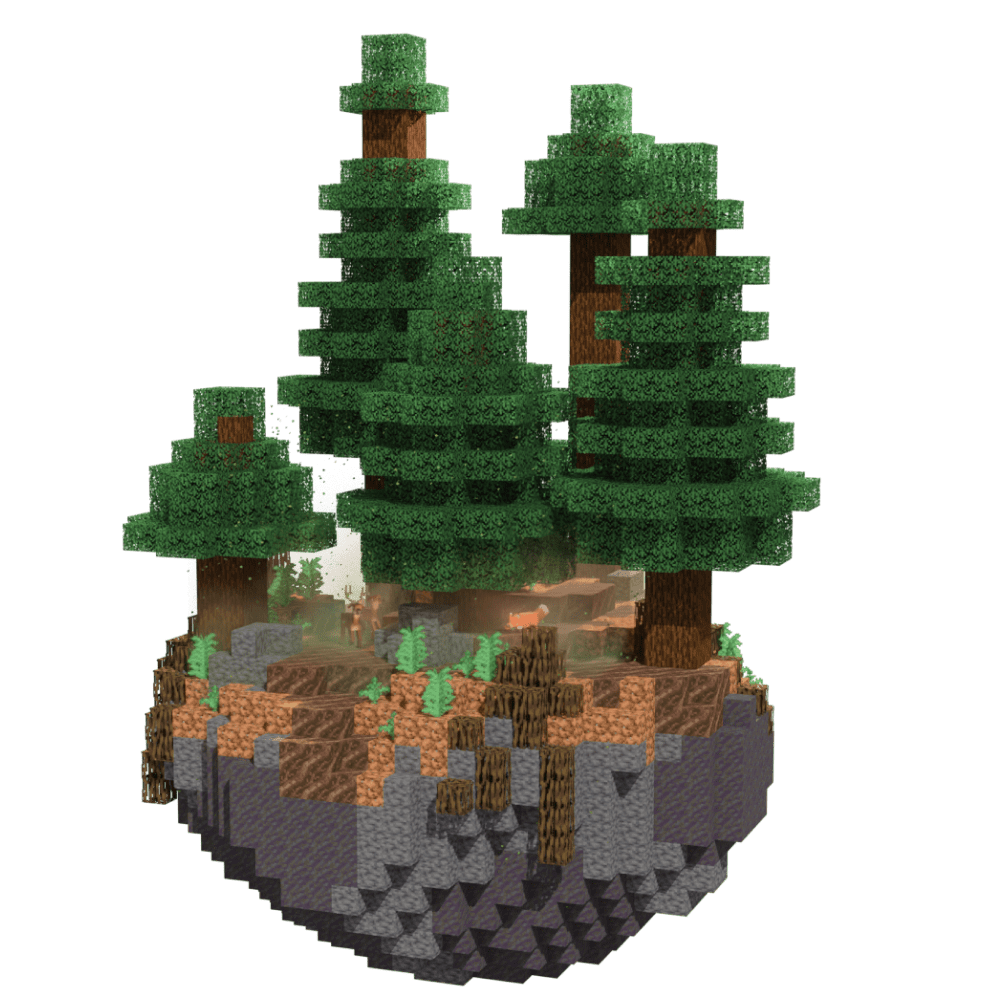
Find Mega Taiga in Minecraft with our Minecraft Biomes Finder.
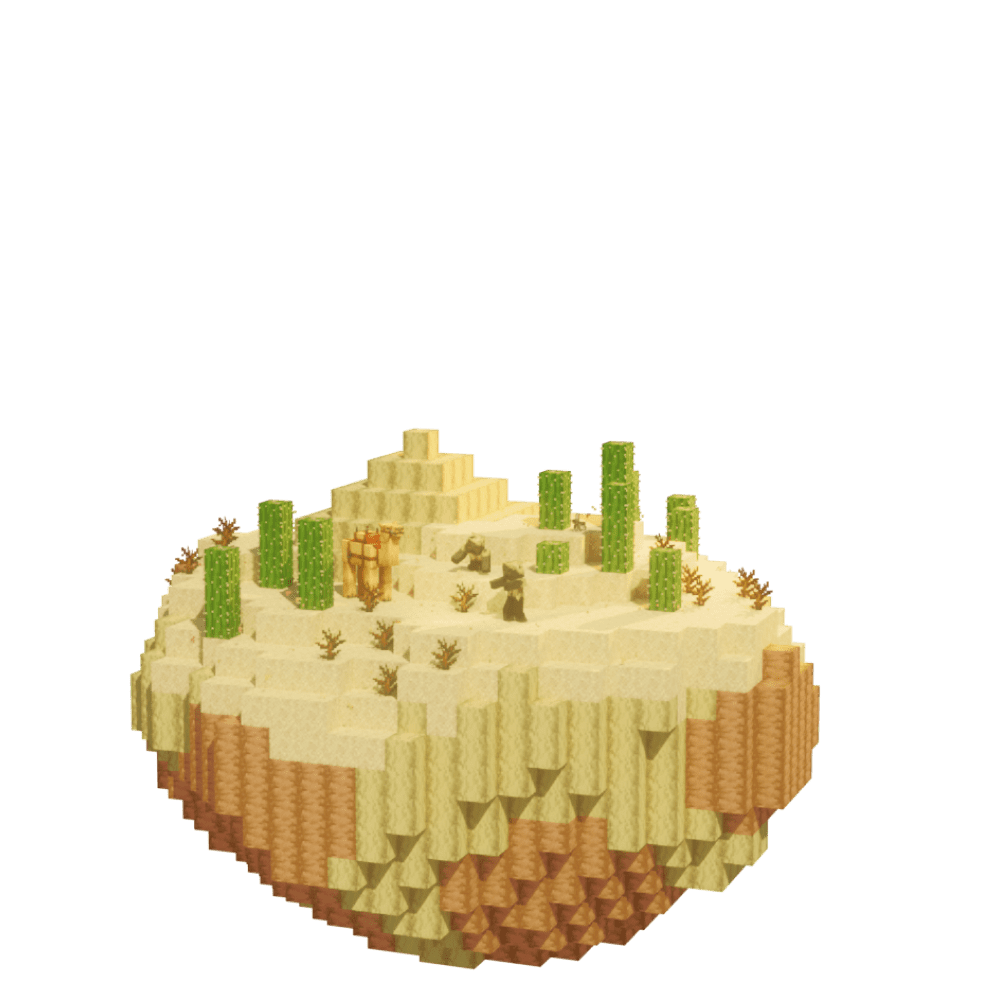
Find Desert in Minecraft with our Minecraft Biomes Finder.

Find Basalt Deltas in Minecraft with our Minecraft Biomes Finder.
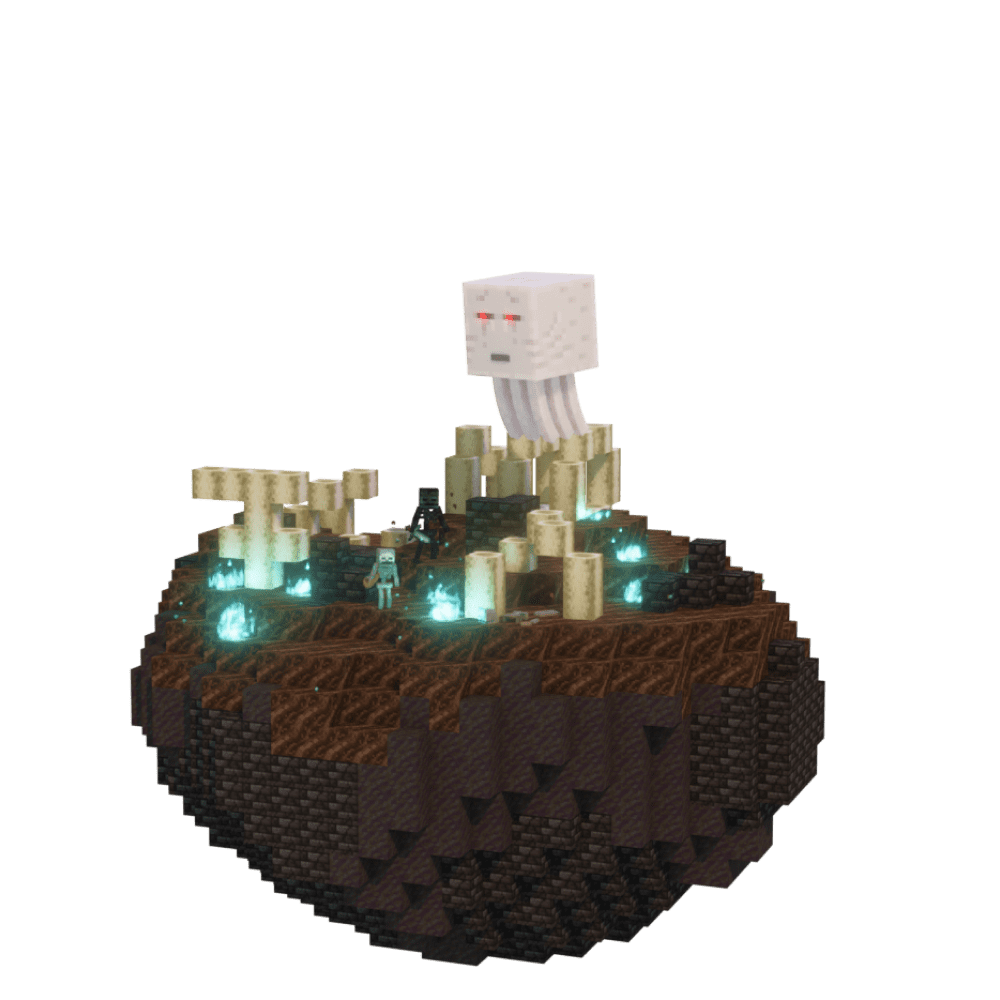
Find Soul Sand Valley in Minecraft with our Minecraft Biomes Finder.
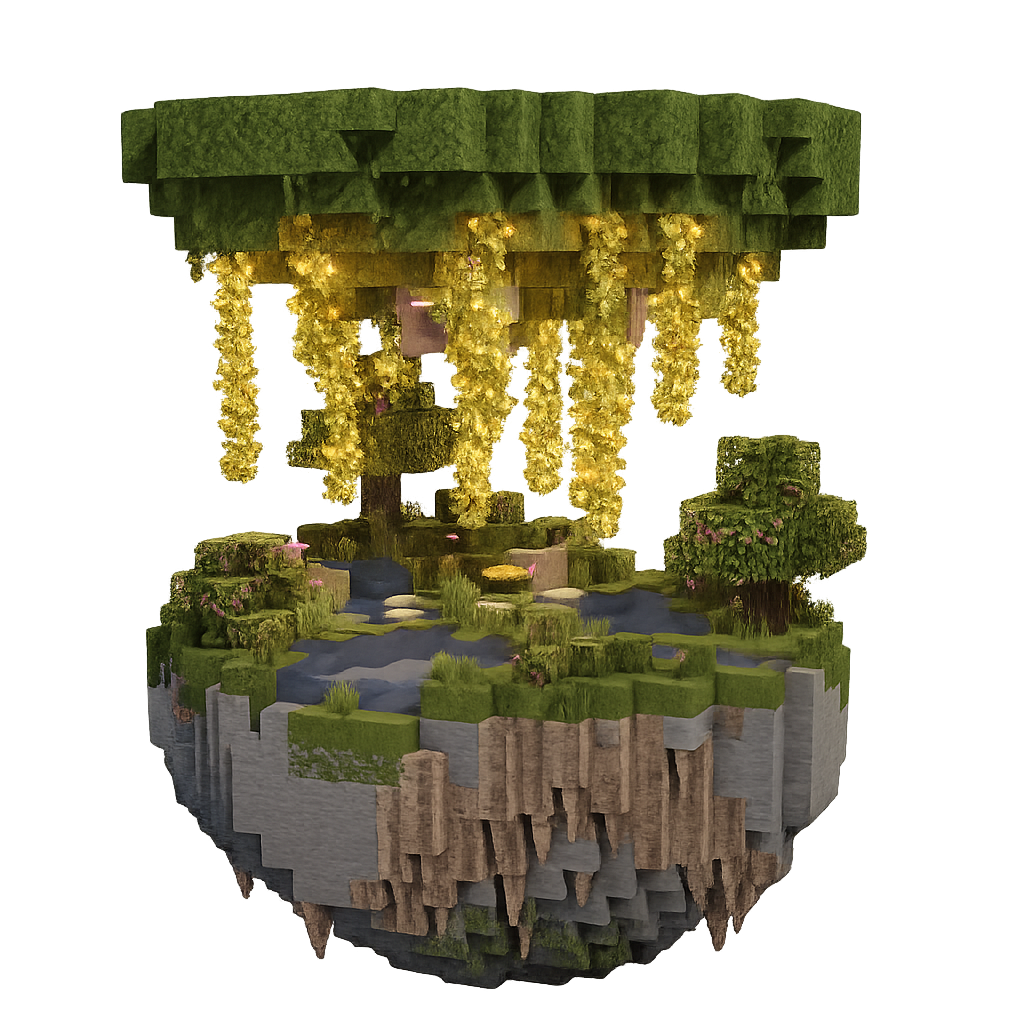
Find Lush Caves in Minecraft with our Minecraft Biomes Finder.
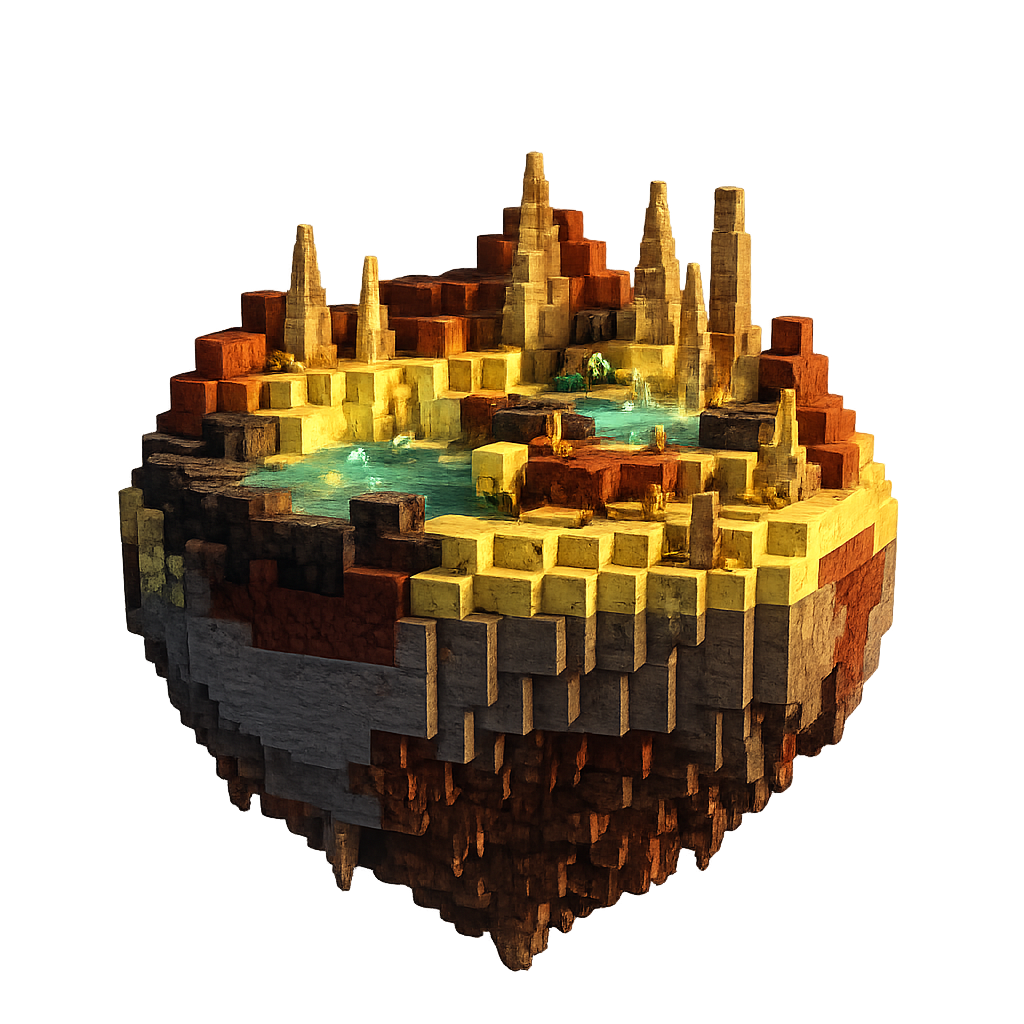
Find Sulfur Caves in Minecraft with our Minecraft Biomes Finder.
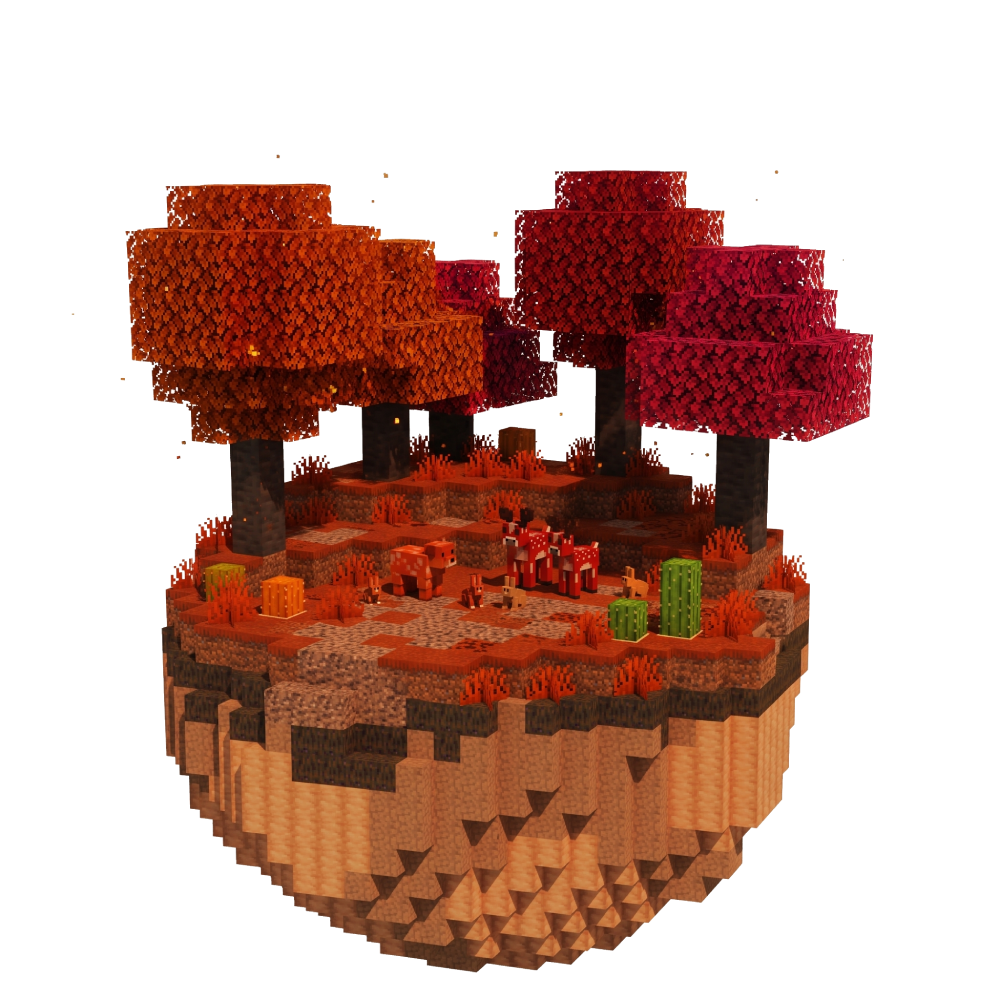
Find Dappled Forest in Minecraft with our Minecraft Biomes Finder.