
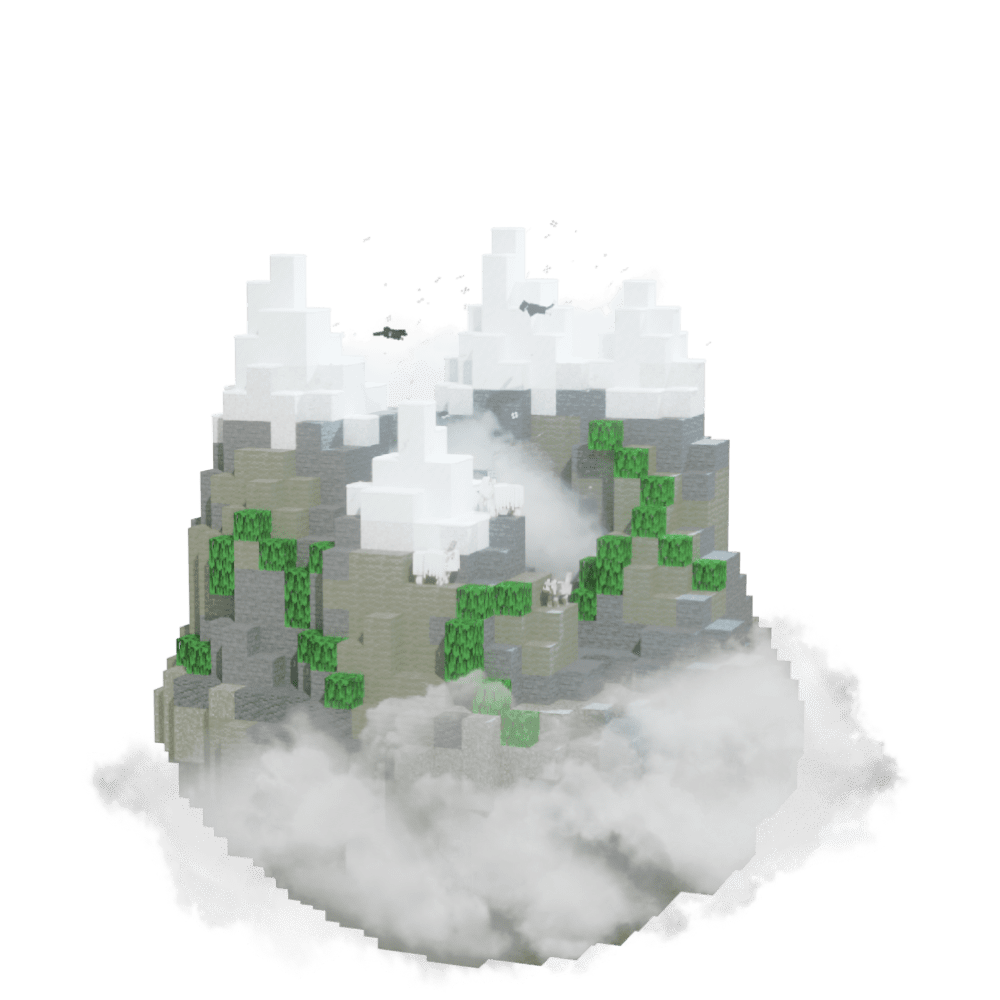
Find Jagged Peaks
Find Jagged Peaks in Minecraft with our Minecraft Biomes Finder.
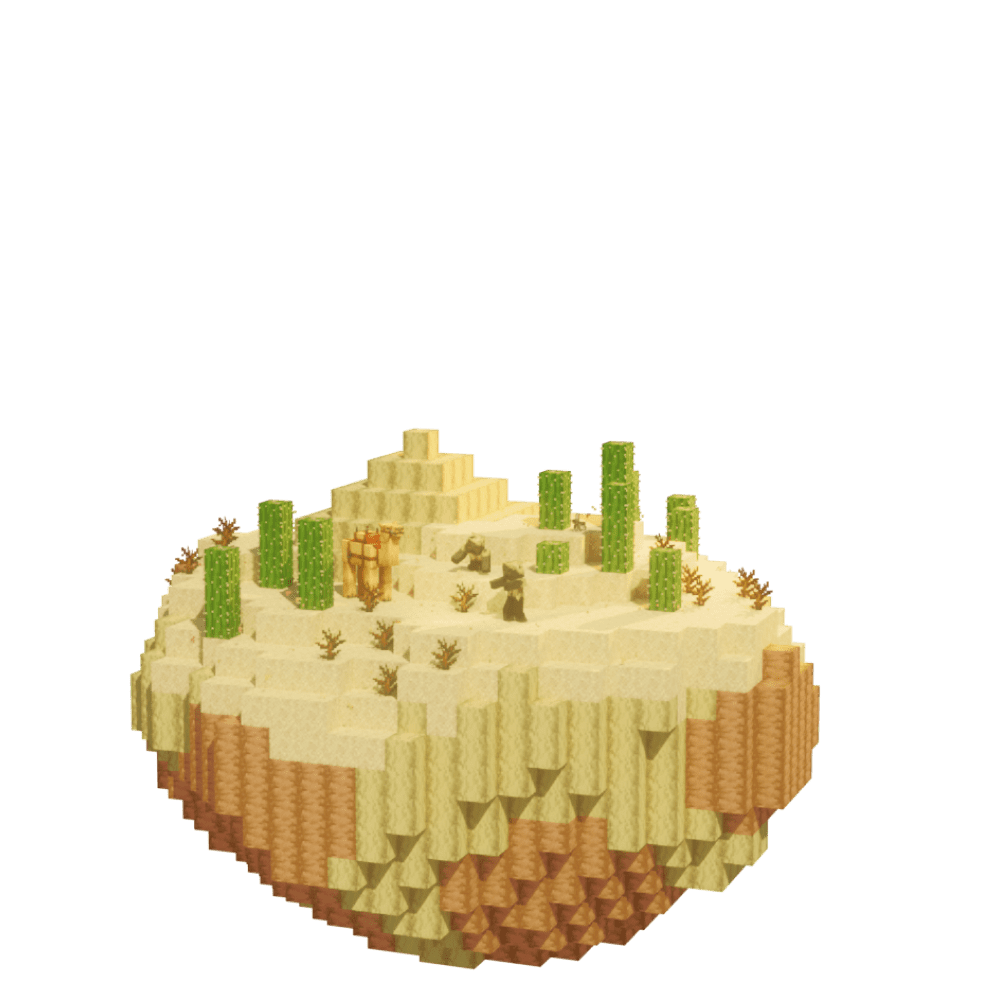
Use our Minecraft Desert Finder to locate exact desert coordinates from your world seed. Supports Minecraft Java and Bedrock Edition with fast, accurate results—no cheats or /locate commands required.
Deserts are warm arid biomes dominated by sand and sandstone, with no natural water and almost no grass. Distinctive structures include Desert Temples (with TNT-trapped treasure rooms), Desert Villages (sandstone architecture), and Desert Wells. Husks replace zombies at night — they inflict Hunger on hit and survive sunlight, unlike standard zombies. Java and Bedrock generate deserts identically. The Desert Finder pulls exact biome coordinates from your seed.
Deserts generate in warm Overworld regions, frequently bordering Savanna, Plains, Mesa, or Mountain biomes. Vast sand expanses with scattered cacti, dead bushes, and desert rabbits are the visual signature. Desert Temples and Wells rise above the surface, visible across flat terrain. Enter your seed into the Desert Finder to locate desert structures in your world.
Find Jagged Peaks in Minecraft with our Minecraft Biomes Finder.
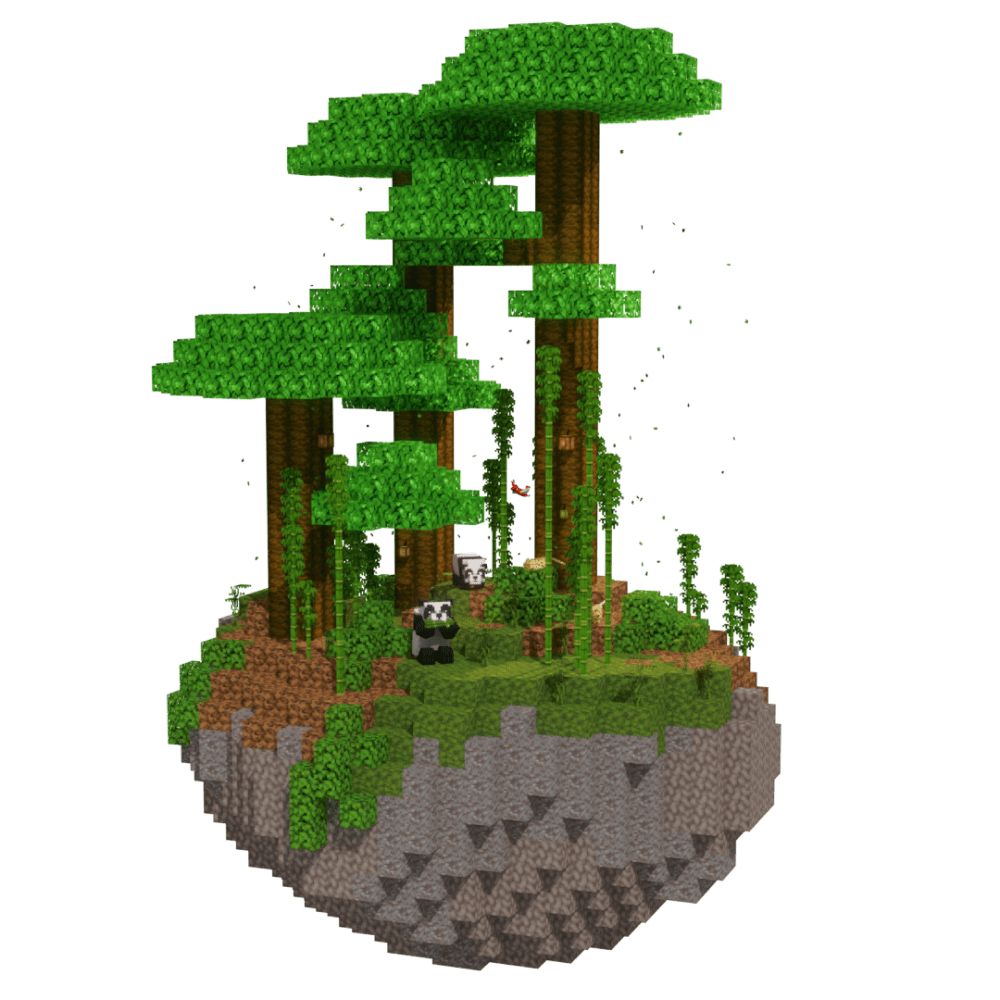
Find Bamboo Jungle in Minecraft with our Minecraft Biomes Finder.
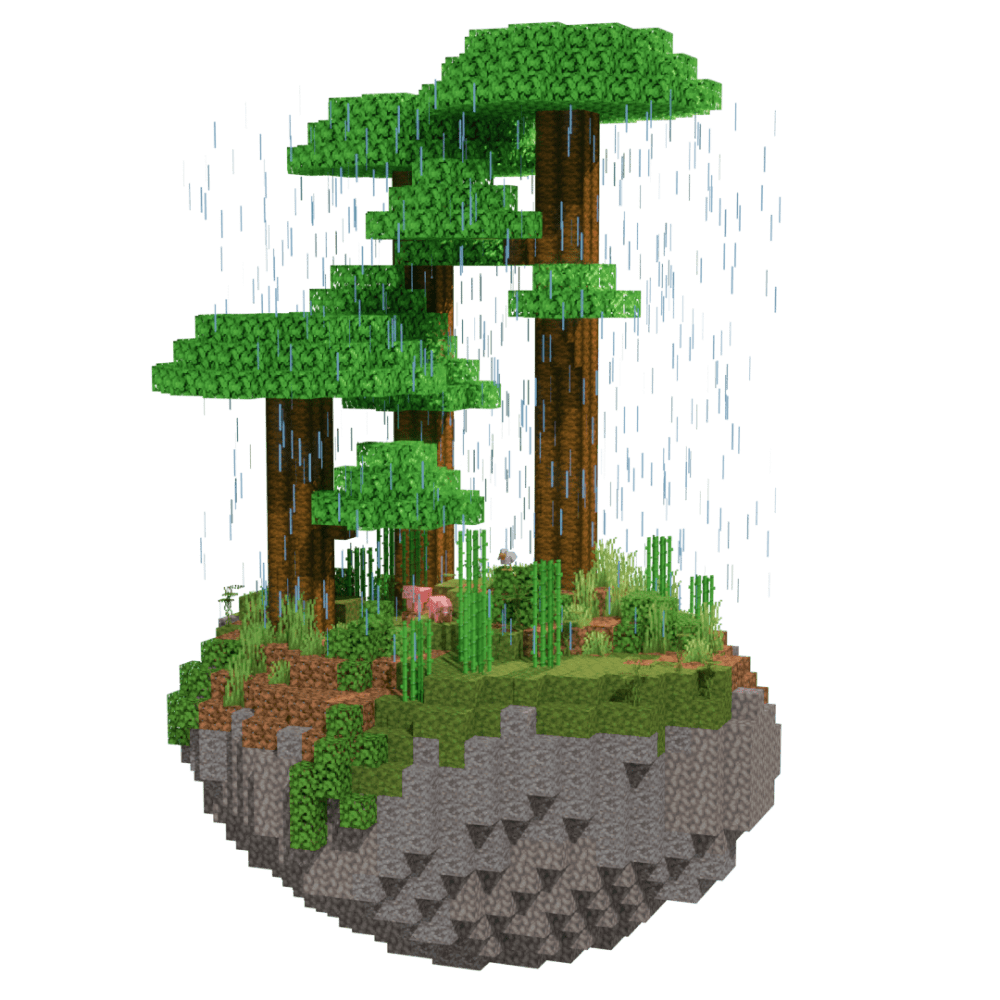
Find Jungle Edge in Minecraft with our Minecraft Biomes Finder.
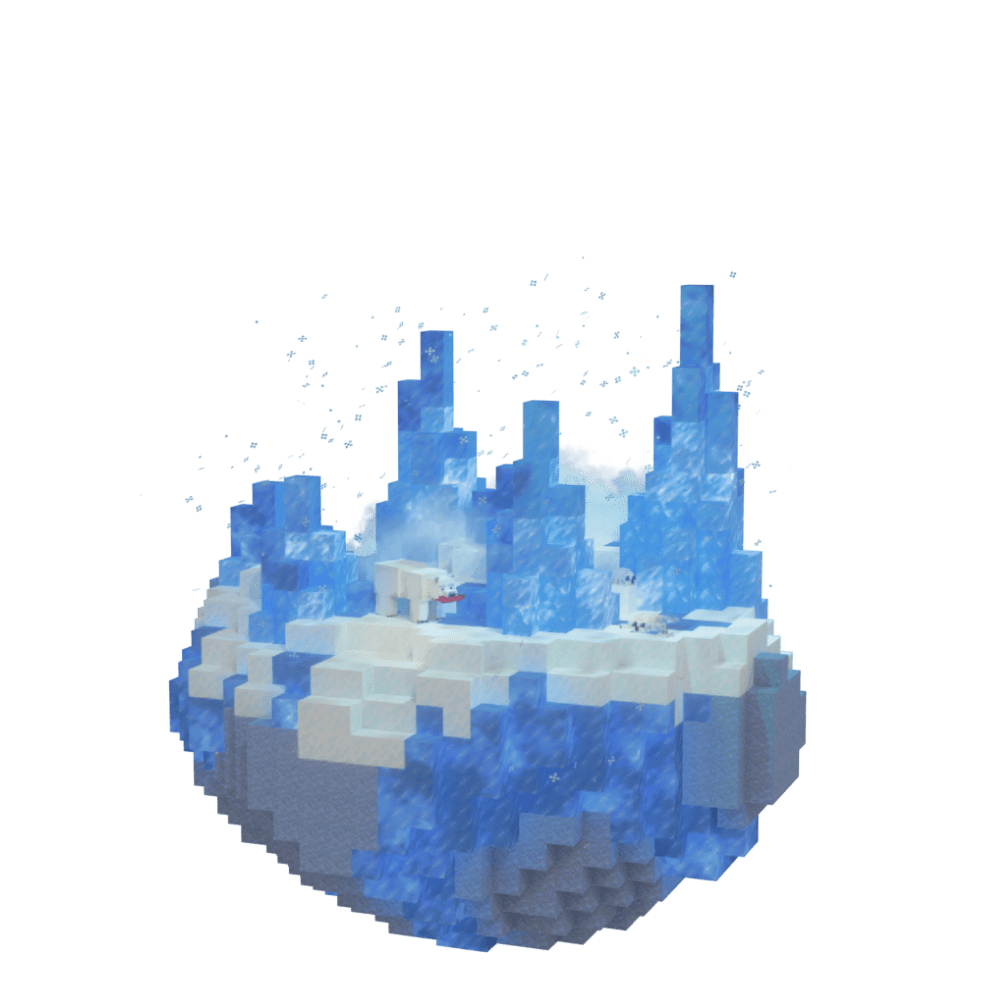
Find Ice Plains Spikes in Minecraft with our Minecraft Biomes Finder.
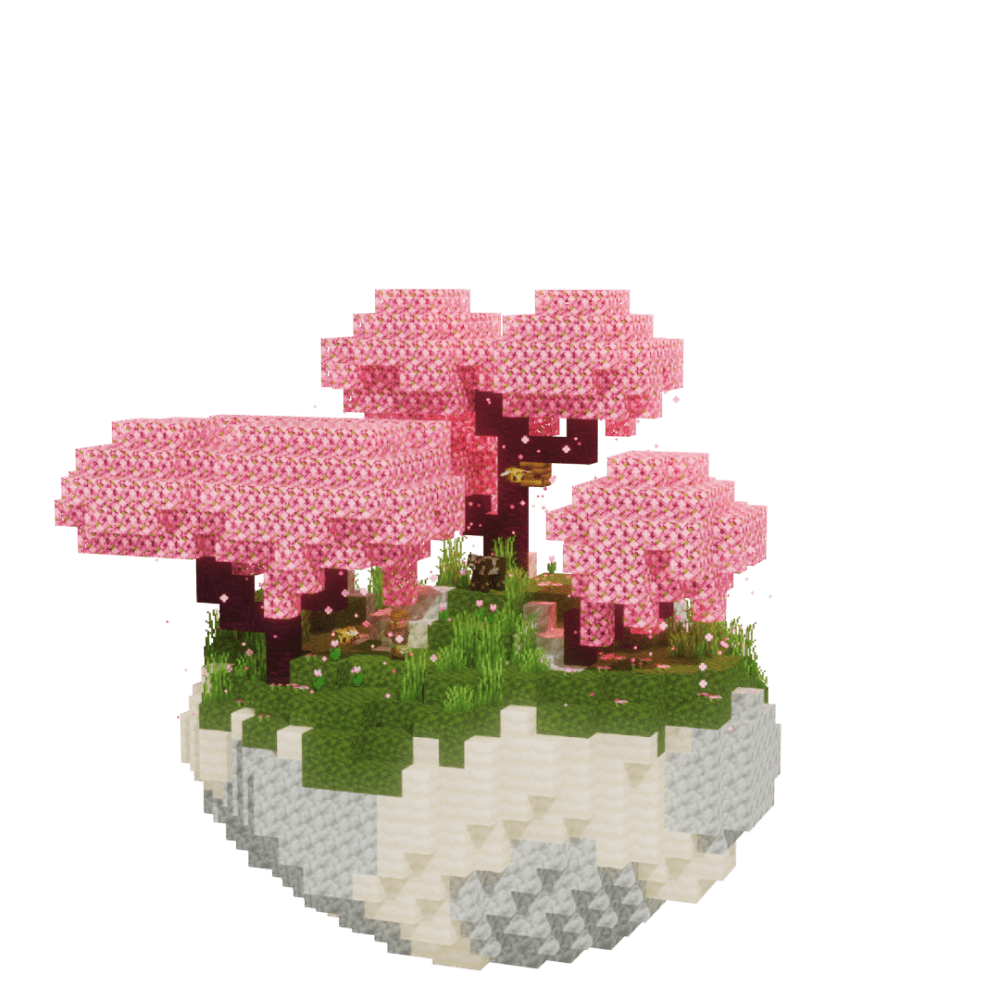
Find Cherry Grove in Minecraft with our Minecraft Biomes Finder.
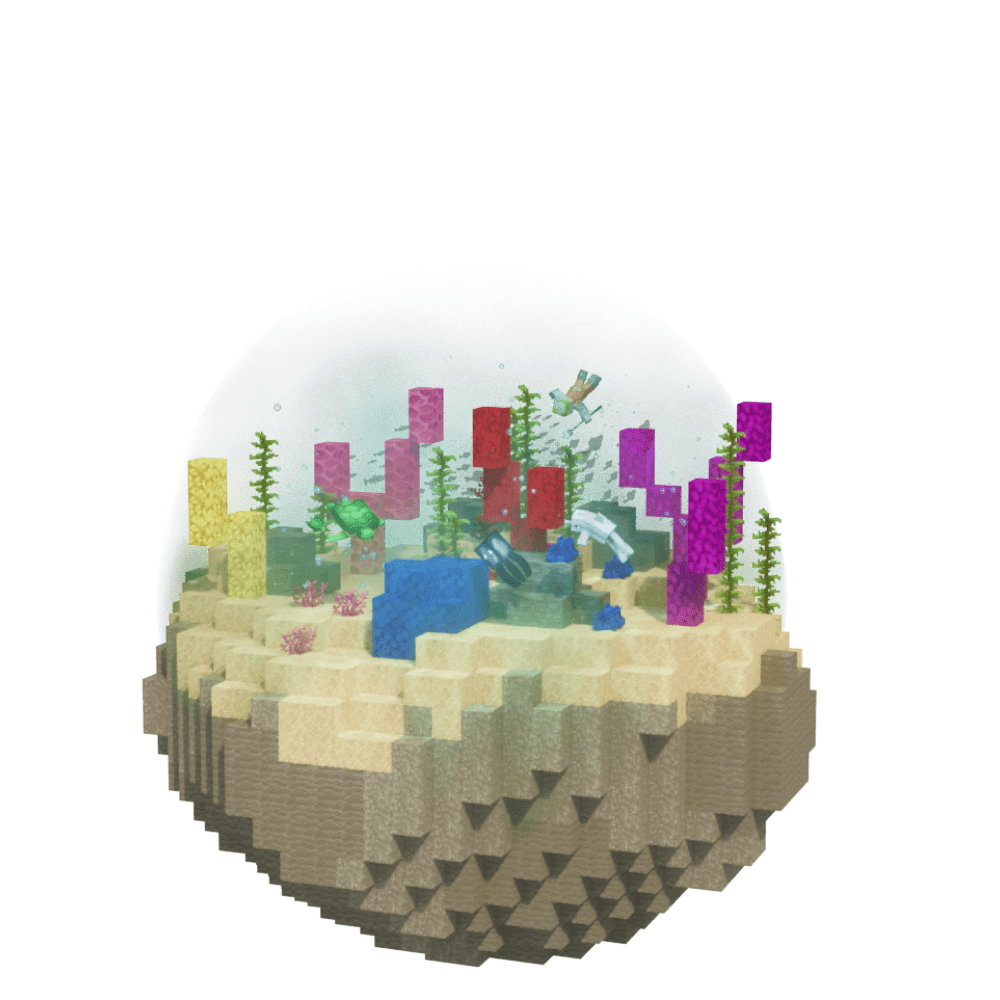
Find Warm Ocean in Minecraft with our Minecraft Biomes Finder.
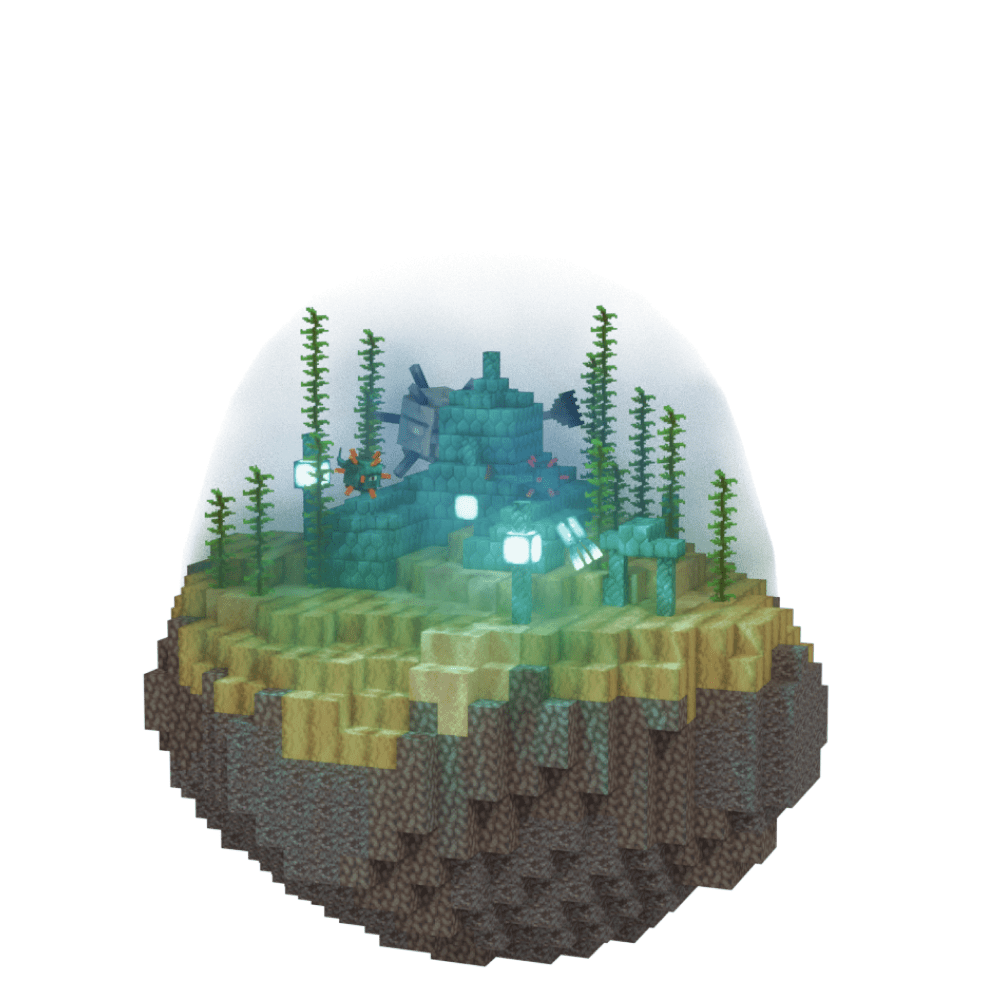
Find Deep Ocean in Minecraft with our Minecraft Biomes Finder.
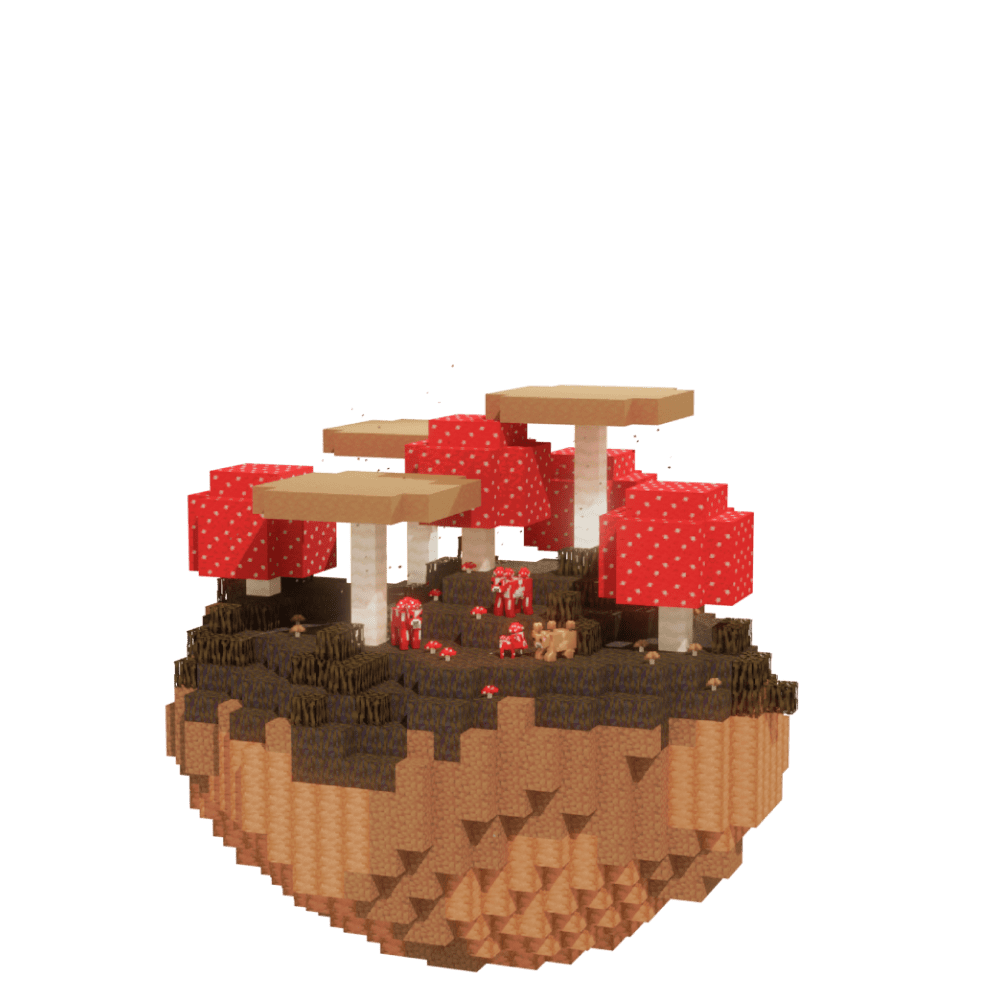
Find Mushroom Island in Minecraft with our Minecraft Biomes Finder.
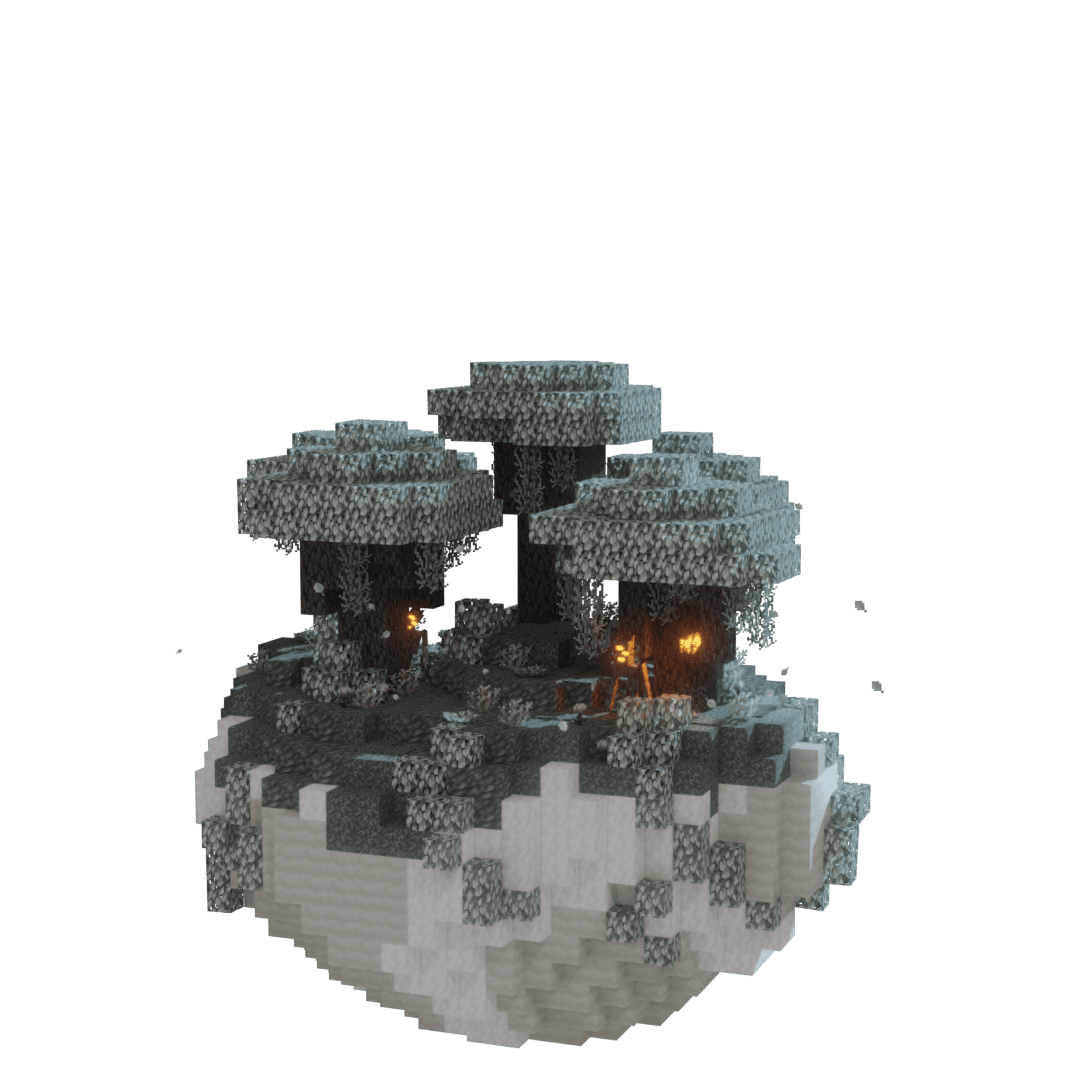
Find Pale Garden in Minecraft with our Minecraft Biomes Finder.
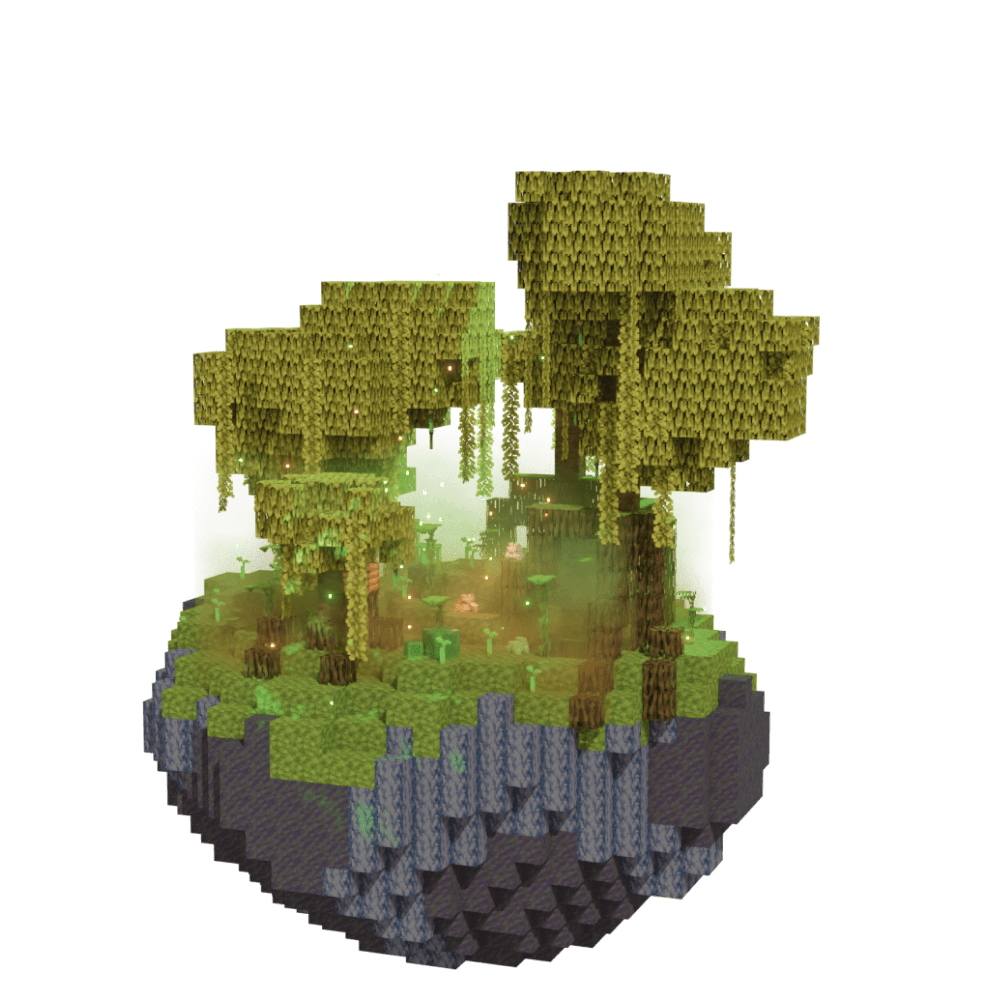
Find Mangrove Swamp in Minecraft with our Minecraft Biomes Finder.
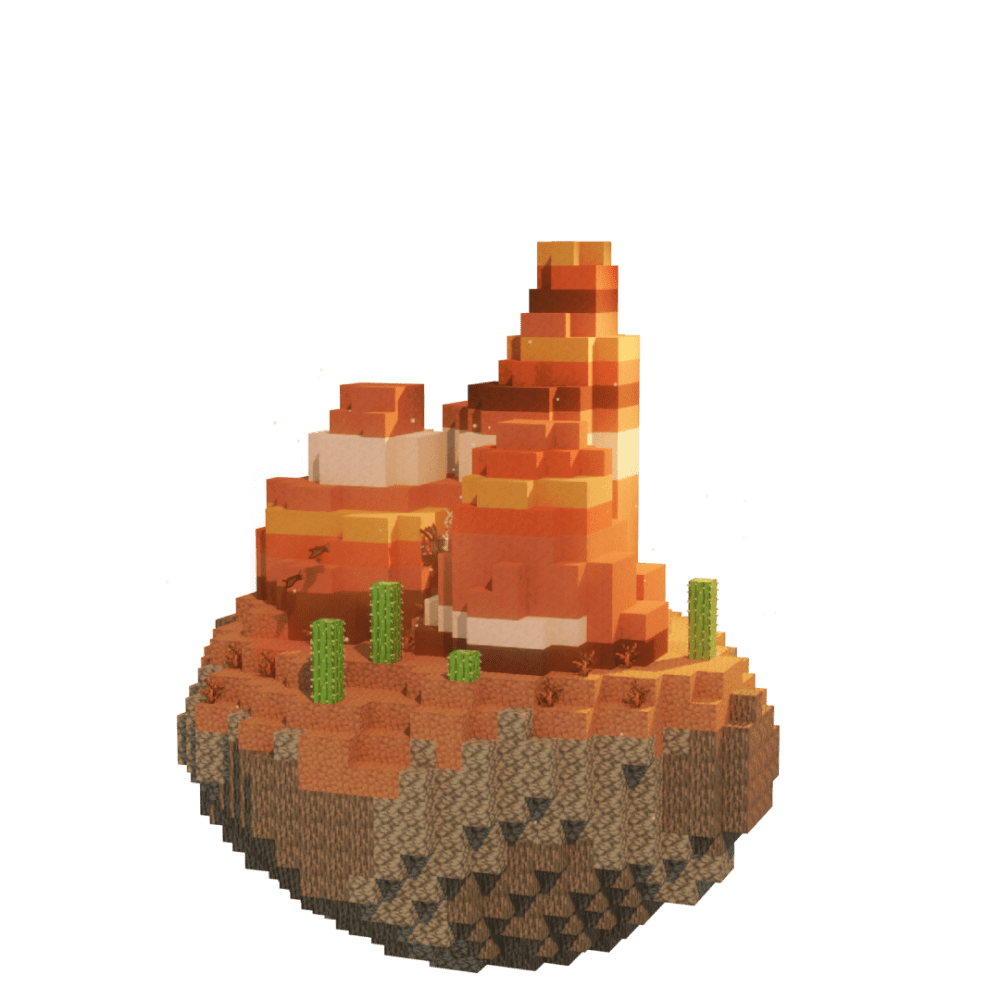
Find Mesa Bryce in Minecraft with our Minecraft Biomes Finder.
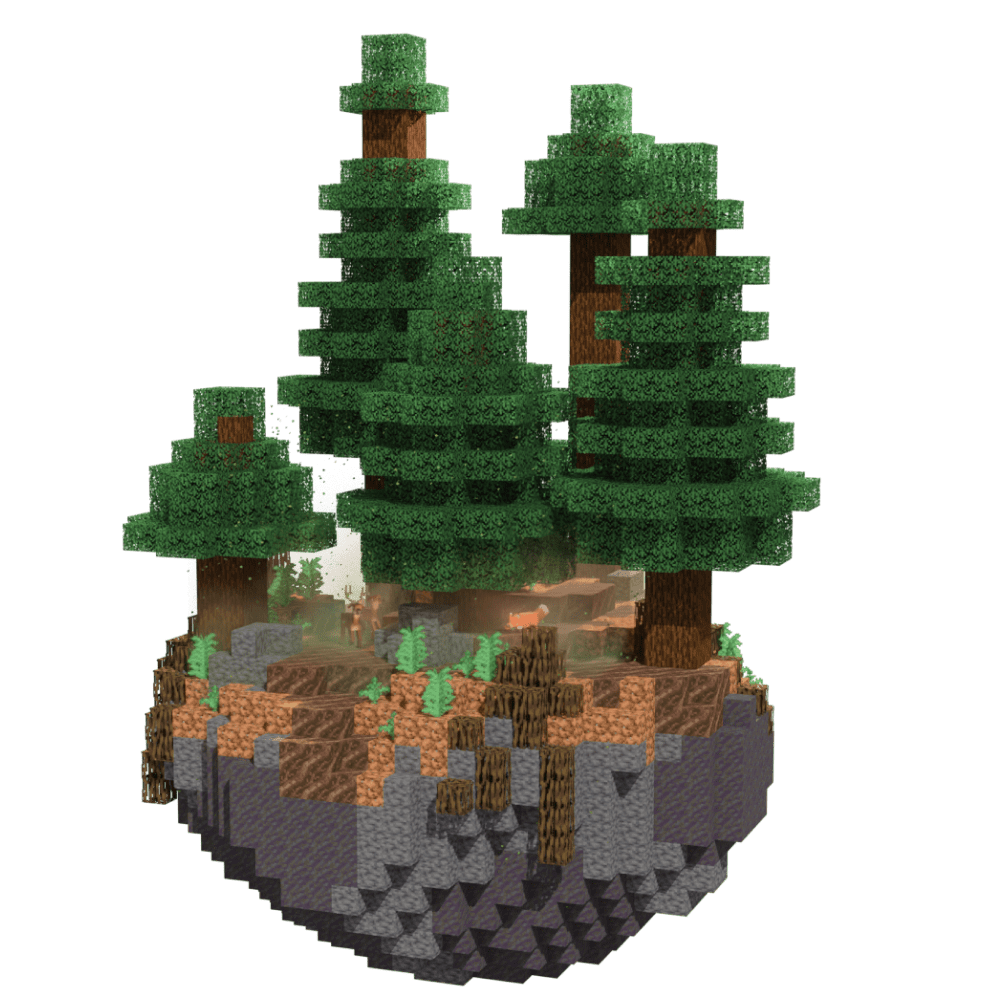
Find Mega Taiga in Minecraft with our Minecraft Biomes Finder.
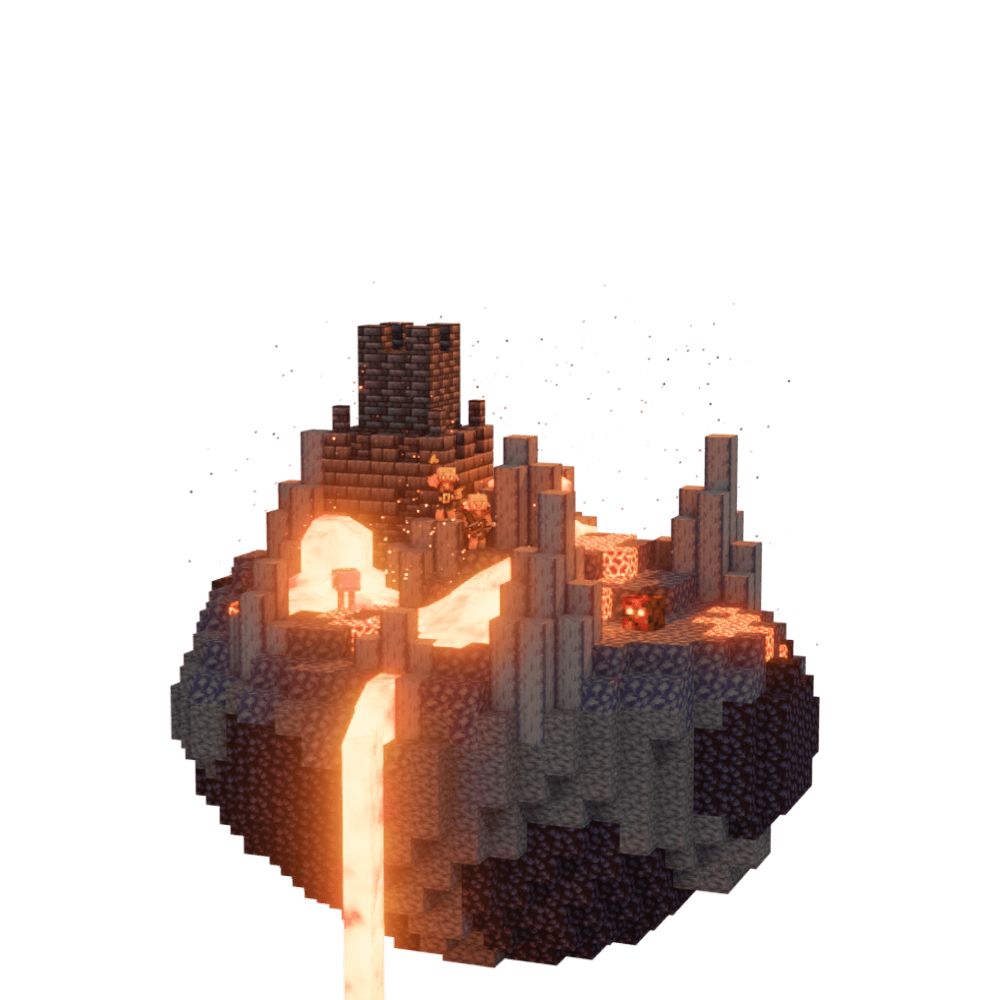
Find Basalt Deltas in Minecraft with our Minecraft Biomes Finder.
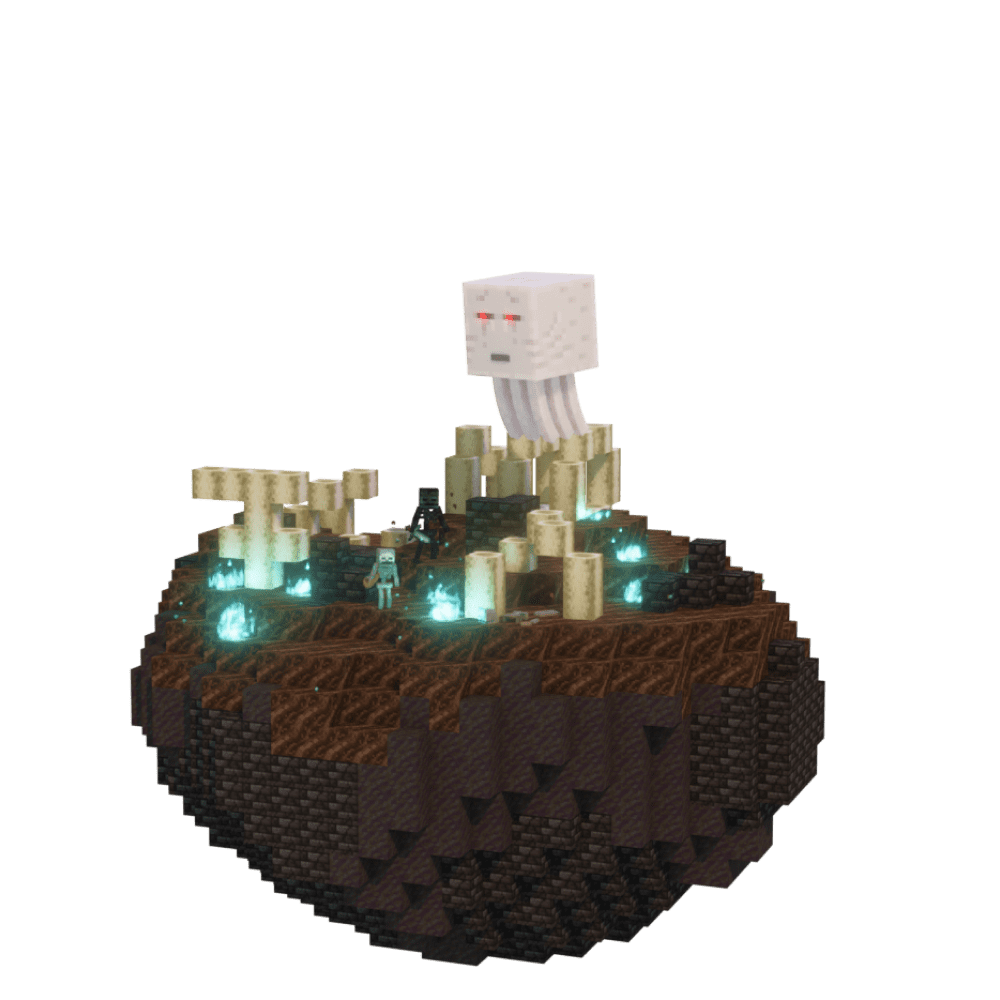
Find Soul Sand Valley in Minecraft with our Minecraft Biomes Finder.
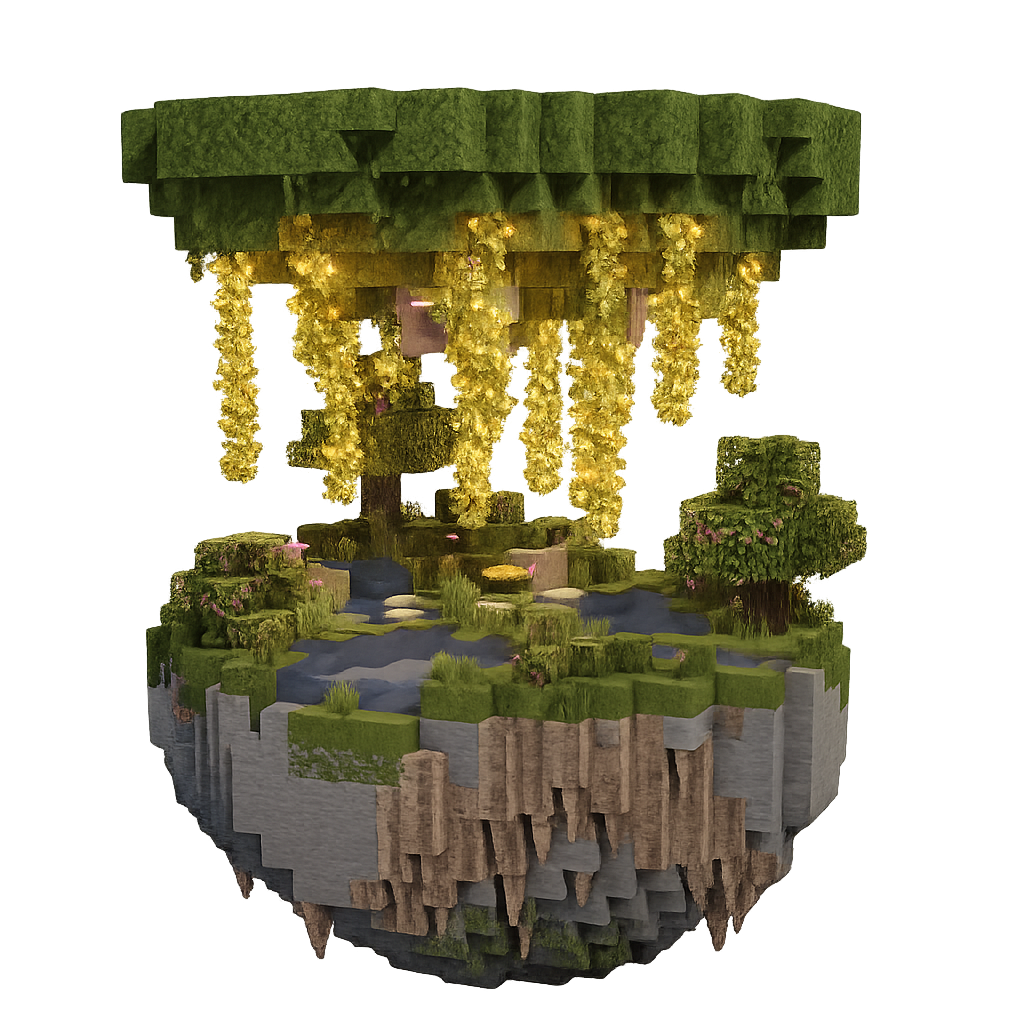
Find Lush Caves in Minecraft with our Minecraft Biomes Finder.
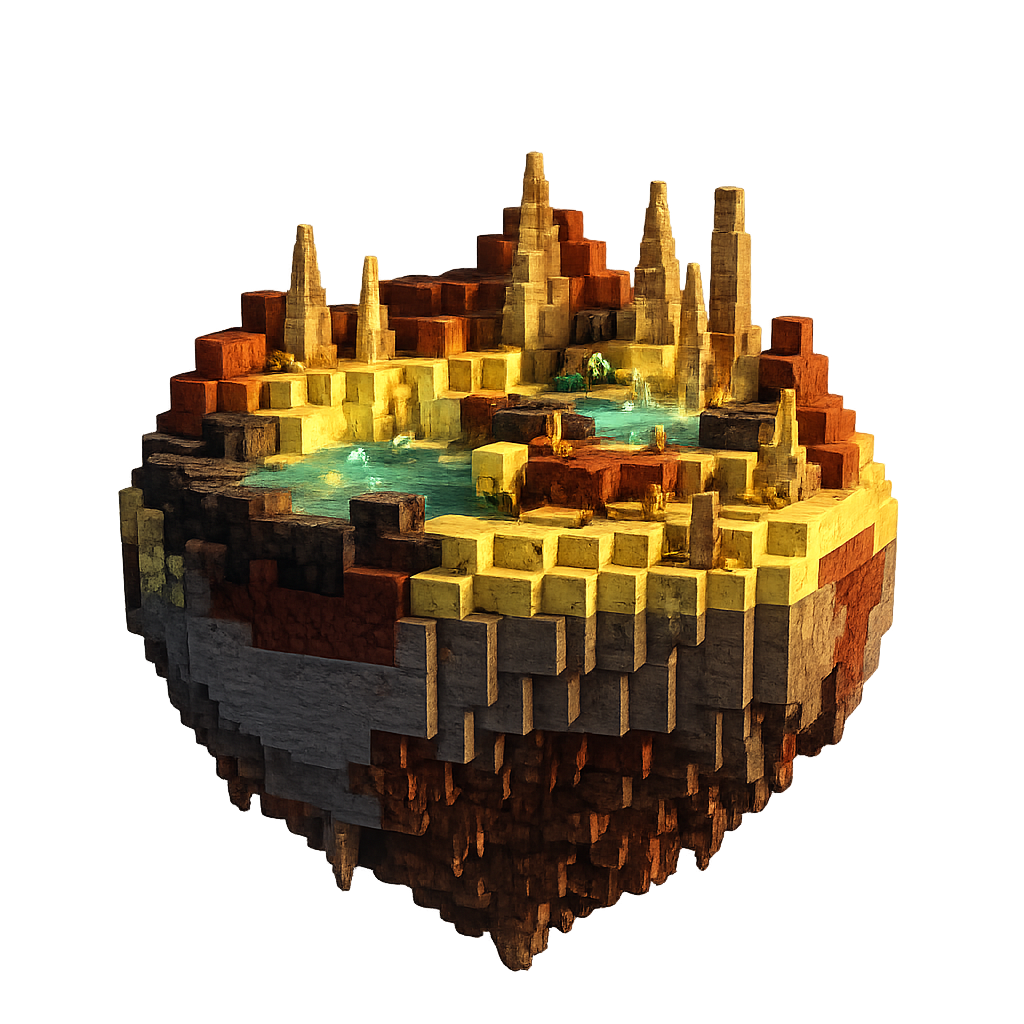
Find Sulfur Caves in Minecraft with our Minecraft Biomes Finder.
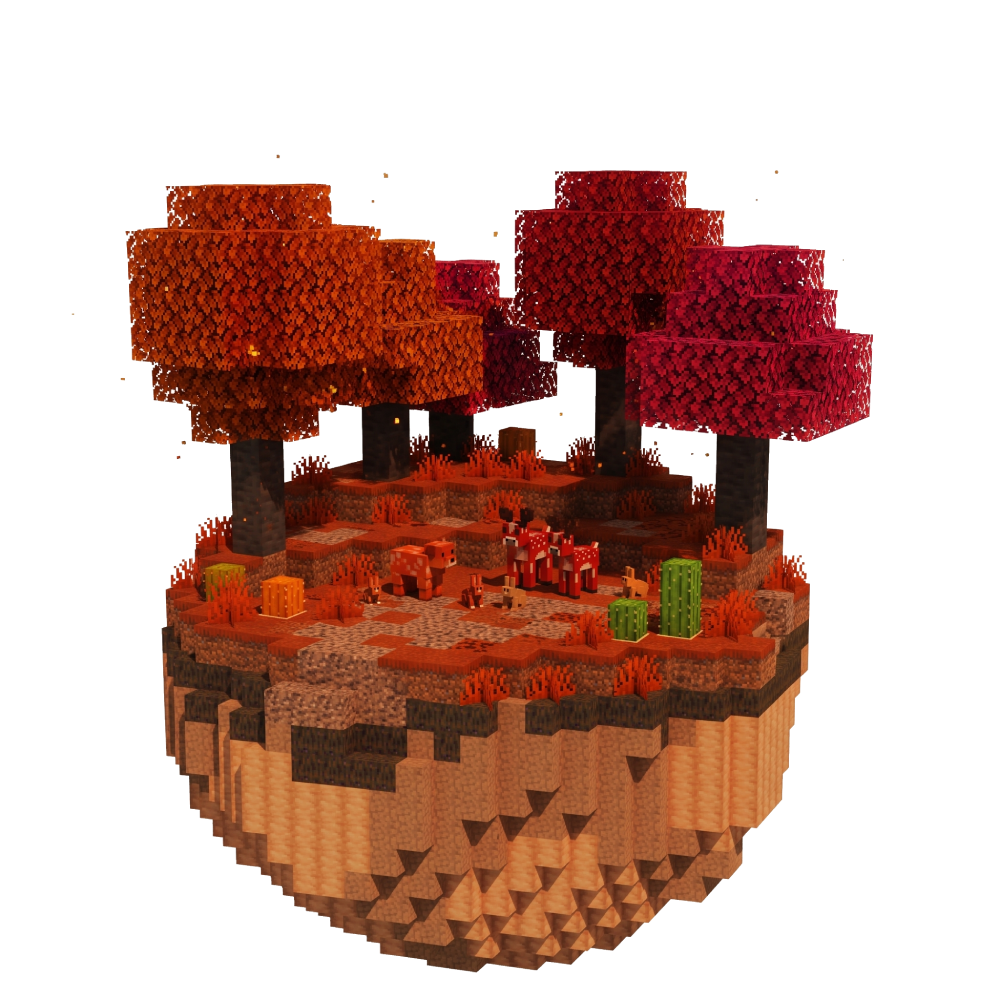
Find Dappled Forest in Minecraft with our Minecraft Biomes Finder.